NovaPro HD User's Manual
www.novastar.tech -17-
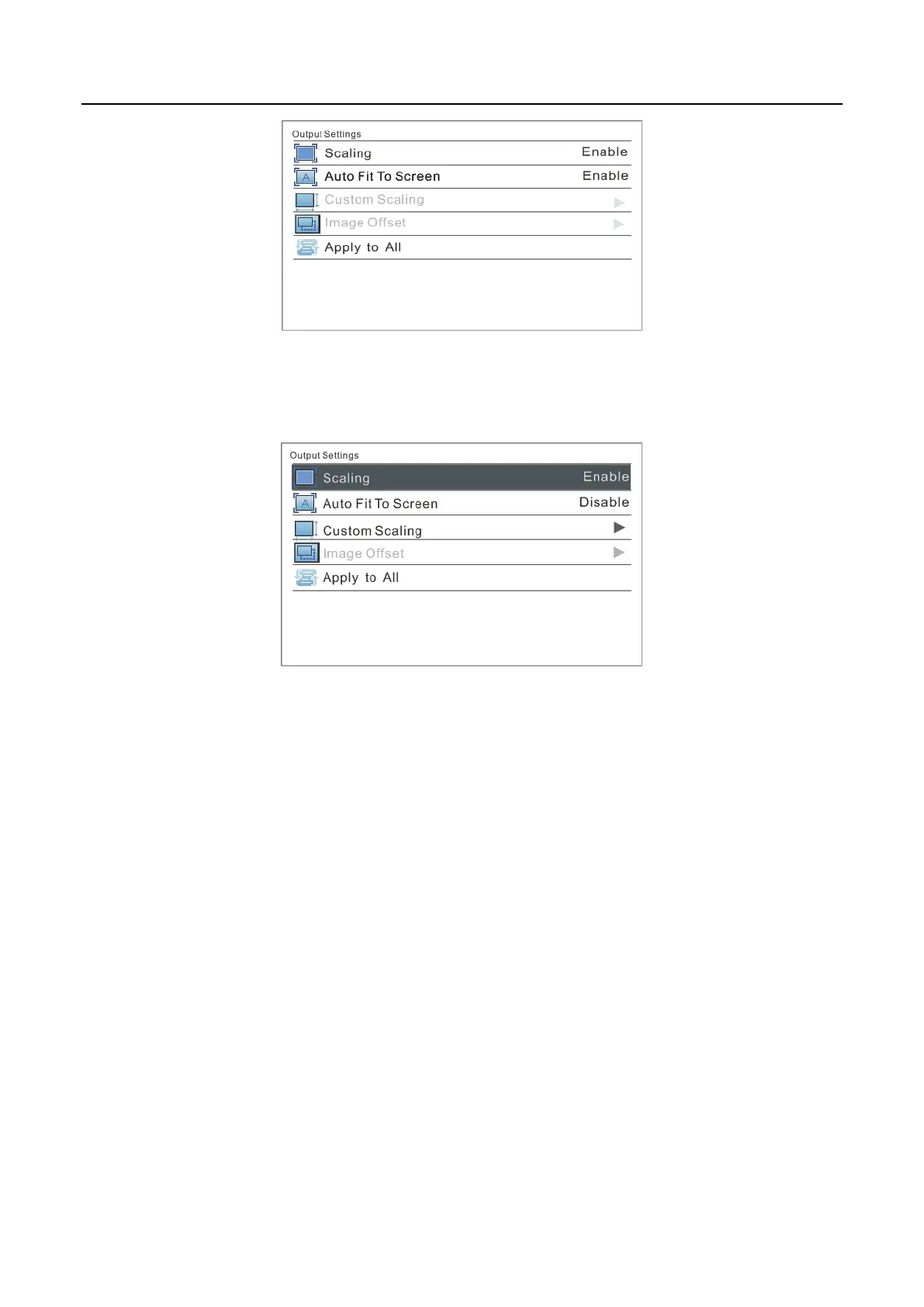
III: Custom Scaling
Operation: Enable Scaling and disable Auto Fit To Screen to customize scaling.
Operating steps of custom scaling:
a) Input Capture setting, i.e., to capture the part of the image from one start
position of the input image and display it on the LED screen. It is needed to
set horizontal width (≤horizontal resolution of input source) and vertical
height (≤vertical resolution of input source) as well as start X (horizontal start)
and start Y (vertical start).



 To Next Page