Chapter 3 OEM7 Receiver Operation
OEM7 Installation and Operation User Manual v1 64
37097 37335 37103 36997 36776 36815 36832 36720 36741 36509 36424 36357
36588 37008 37268 37349 36990 36475 36531 36460 36671 36392 36659 36773
36901 36916 37020 36898 36895 36499 36368 36068 36299 36201 36066 35929
36143 36289 36417 36483 36546 36370 36007 36330 36691 37020 36199 35882
35996 36942 36987 37067 36943 36670 35970 35373 35816 36304 36158 35112
34855 35316 36138 36070 36106 36017 36229 36199 36251
[USB1]
3.12.3 Monitoring Signals Using NovAtel CONECT 2.0
Download NovAtel Connect from www.novatel.com/support/info/view/firmware-options, install
and open a connection to the OEM7 receiver.
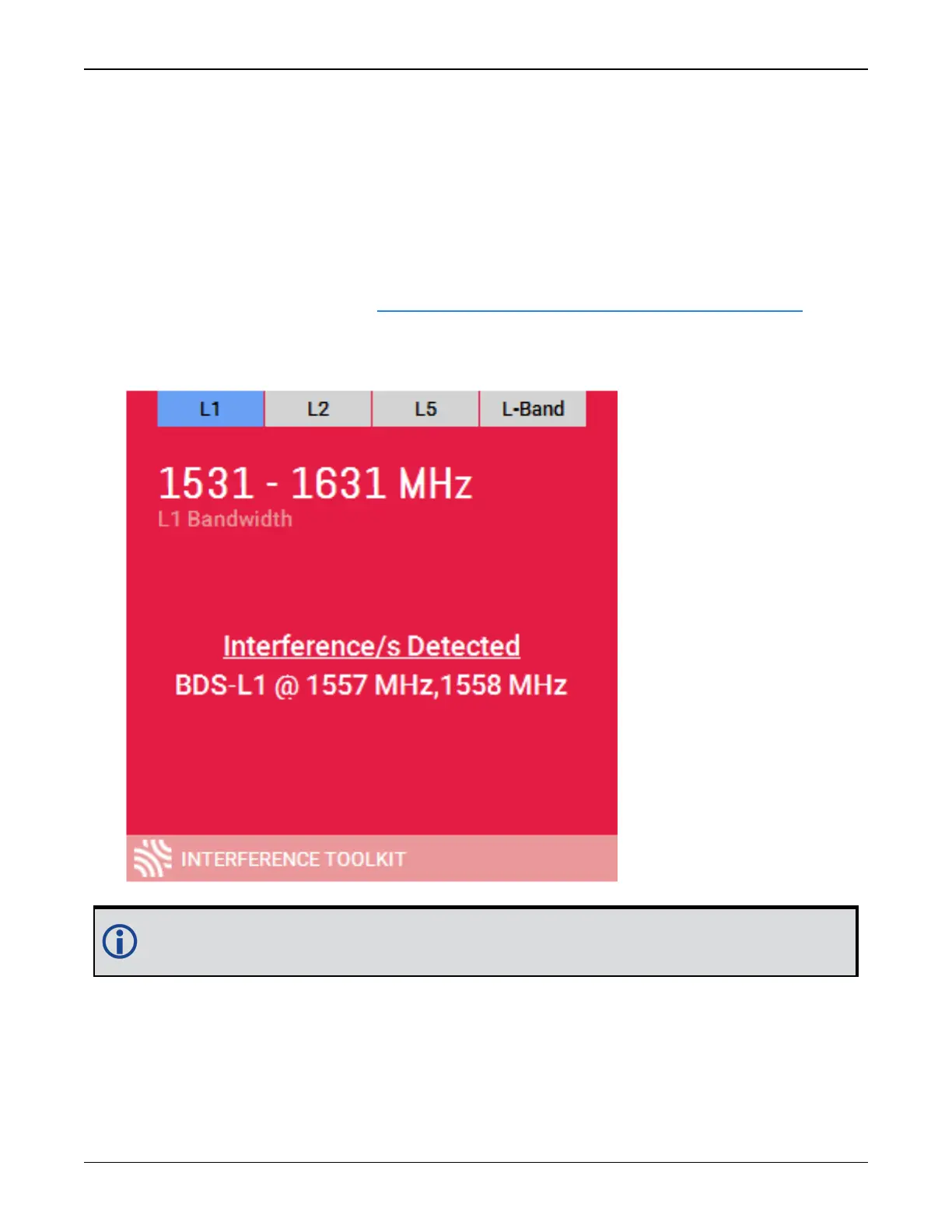
With CONNECT 2.0 open, scroll down to the Interference Toolkit and double click on the Inter-
ference/s Detected tile.
The tile displays red when interference is detected; displays green when no interference
is present.
The Interference Toolkit window opens:



 To Next Page