Chapter 7 Troubleshooting
OEM7 Installation and Operation User Manual v1 97
BitSet Action to Resolve
27
Interference Toolkit HDR mode status. When this bit is set to 1, Interference Toolkit HDR
mode is enabled.
28
Digital filter status. When this bit is set to 1, an Interference Toolkit digital filter is
enabled.
29
None. This bit indicates if any bits in the auxiliary 3 status word are set. The auxiliary 3
word provides status information and does not contain any new information on problems.
Refer also to the FRESET command in the OEM7 Commands and Logs Reference Manual
(OM-20000169).
30
None. This bit indicates if any bits in the auxiliary 2 status word are set. The auxiliary 2
word provides status information and does not contain any new information on problems.
Refer also to the FRESET command in the OEM7 Commands and Logs Reference Manual
(OM-20000169).
31
None. This bit indicates if any bits in the auxiliary 1 status word are set. The auxiliary 1
word provides status information and does not contain any new information on problems.
Refer also to the FRESET command in the OEM7 Commands and Logs Reference Manual
(OM-20000169).
7.2 Examining the AUX1 Status Word
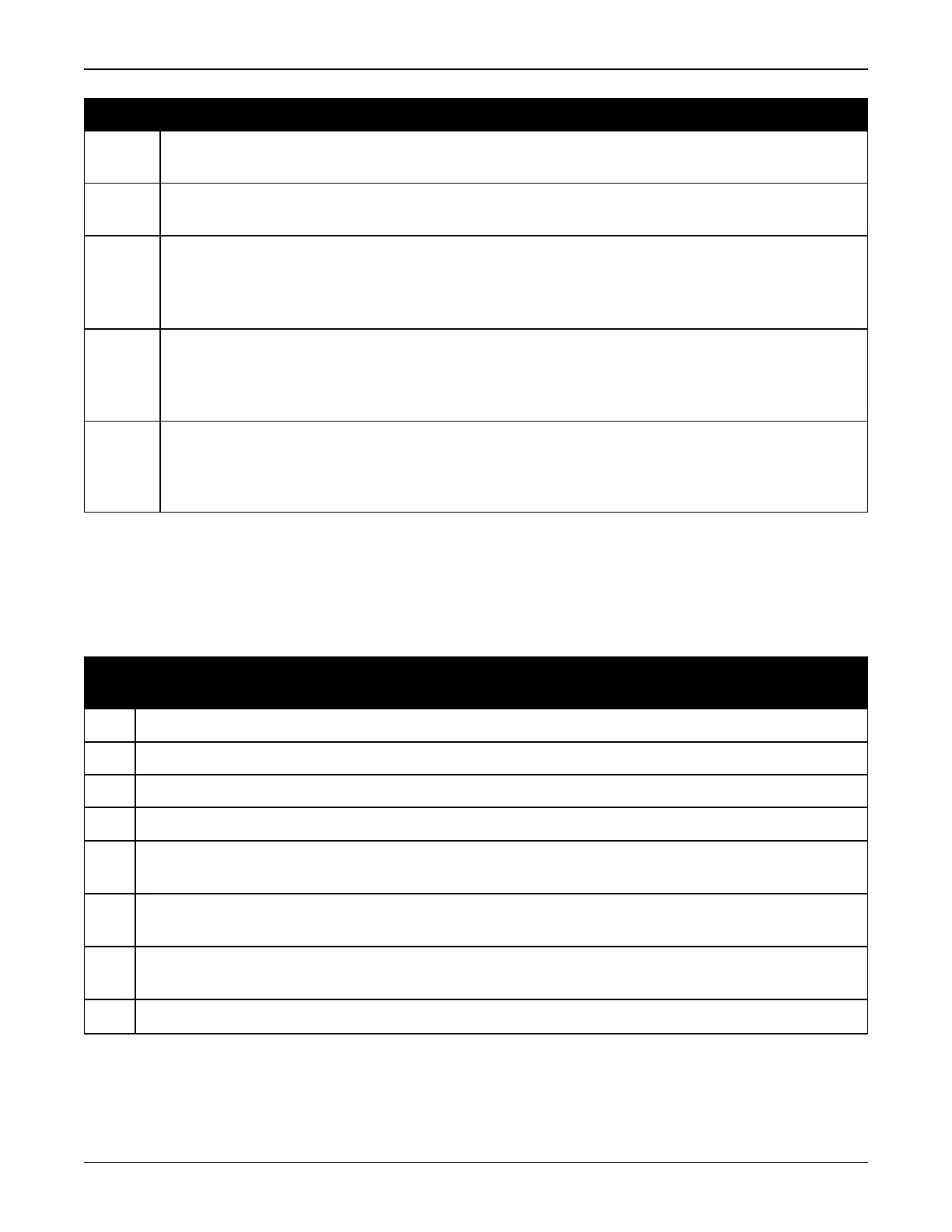
Table 12: Resolving an Error in the AUX1 Status Word below provides actions to take when your
receiver has an error flag in the AUX1 status word.
Bit
Set
Action to Resolve
0-2 Jammer detected
3 None. This bit indicates that Position Averaging is ON
4-6 Jammer detected
7 Connect the receiver via USB
8-
10
Reduce the amount of logging on the USB ports
11-
13
(Reserved bits)
14-
17
AGC error on RF1 through RF4 respectively. To resolve, ensure the antenna cable is
connected and signal input level is within specification
18 Connect the receiver via Ethernet. See Ethernet Ports on page38
Table 12: Resolving an Error in the AUX1 Status Word



 To Next Page