4 - 32 en-938821/2
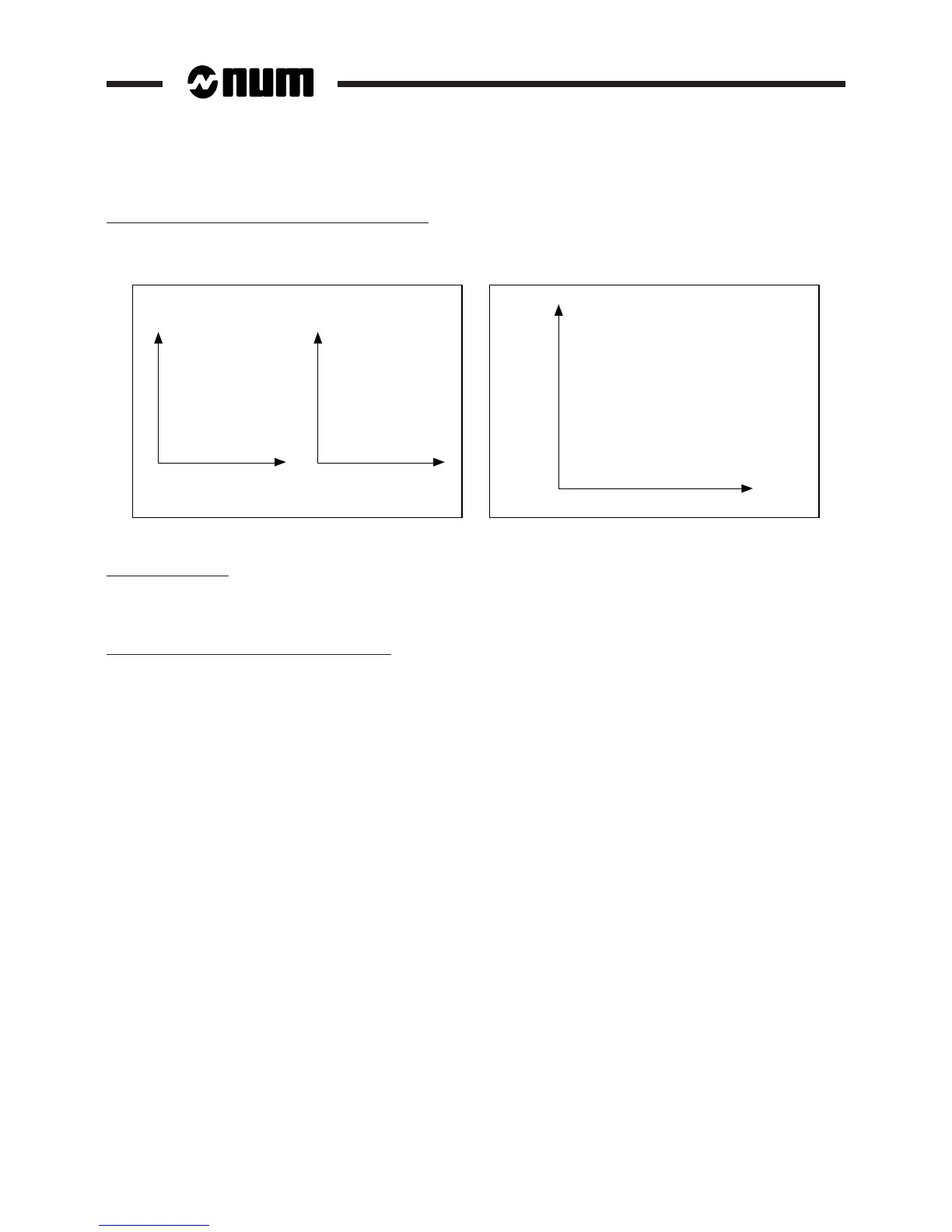
Juxtaposed or overlaid "TURN" and "MILL" traces
Juxtaposed traces Overlaid traces
XX
YZ
"TURN"
trace
"MILL"
trace
X
Z
"TURN" trace
and
"MILL" trace
Segment detection
The "TURN" and "MILL" programme segments are detected automatically using the tool offsets (see 4.17,
"Requirements for Tool Offset Enable" in the Milling Programming Manual).
Notes on "TURN" and "MILL" dynamic trace
"TURN": When the graphic "TURN" trace is displayed, action on the "TURN SEGMNT" softkey causes dynamic
execution with tool movement and displays the sequences being executed. However, if graphic mode is selected for
"TURN" and machining for "MILL", the tool is not displayed, but the milling sequences being executed are displayed
at the bottom of the screen.
"MILL": Same as "TURN" trace except that the static "MILL" trace must be completed in this case.



 To Next Page