Display System Utilization
en-938821/2 4 - 45
4
Editing the list of variables to be displayed
Pointing to a variable
Move the pointer to the variable. ☞
➞
or
➞
Display of the dialogue line
Display the next page of variables. ☞
. . / . .
DAT
Display of the dialogue line
ADDRESSES ❚
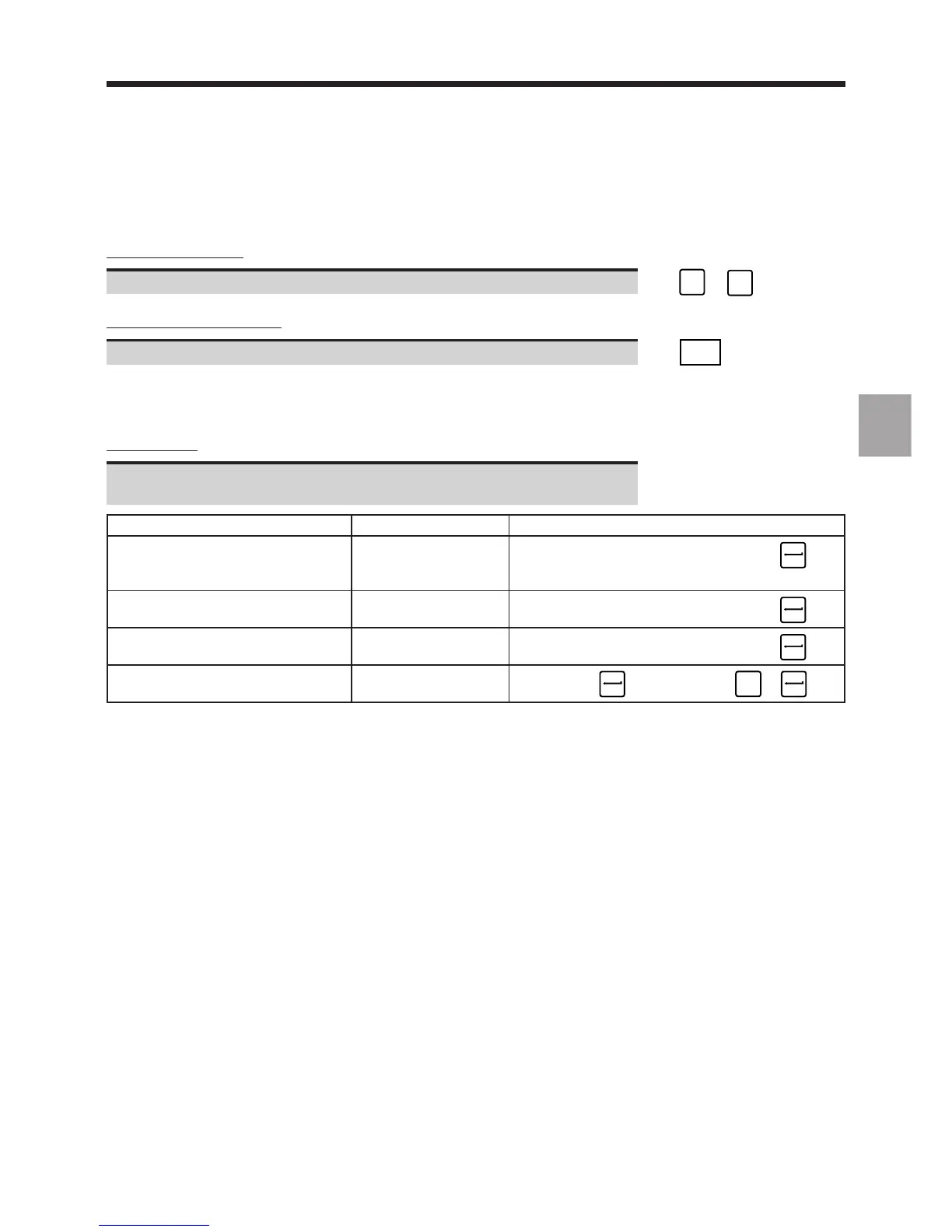
Editing the list
Enter the command corresponding to the operation to be performed
(see table below).
Operation Conditions Command
Add variables to the list Previous variable +%Axx.y...
pointed to (15 maximum including the ☞
Dialogue line parameters already displayed)
Replace one variable by another Variable pointed to #%Axx.y
Dialogue line ☞
Delete a variable from the list Variable pointed to -
Dialogue line ☞
Delete the entire list Dialogue line -∗
☞ or ☞
SPACE
+
Notes
When variables have already been displayed at a previous stage, selecting "PLC MEMORY" automatically displays
the previous "PLC MEMORY" page.
The rest of the procedure is the same.



 To Next Page