4 - 46 en-938821/2
4.10.4 Display of PLC User Screen
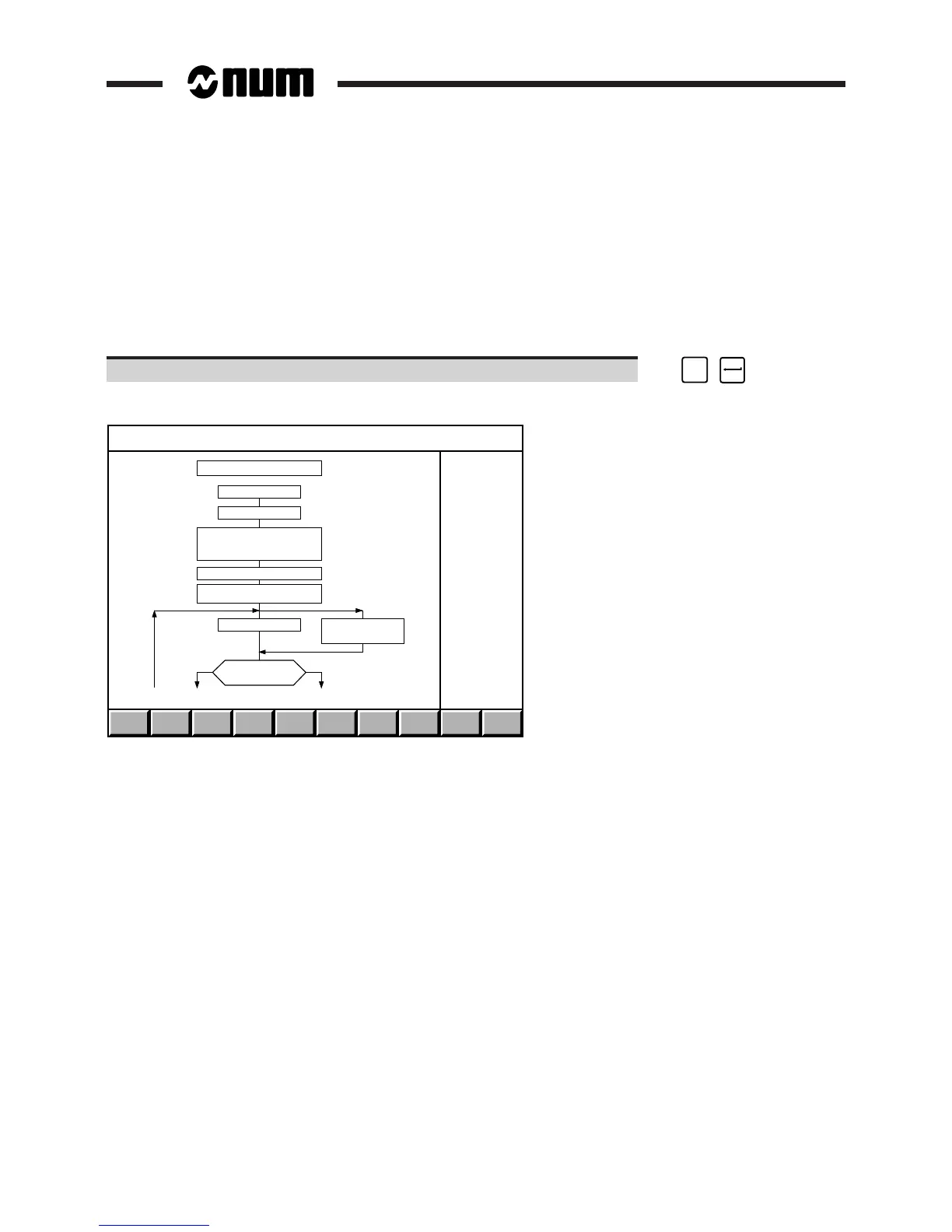
The PLC user screen gives access to user applications managed by the PLC (refer to the documentation provided by
the manufacturer of the machine).
Requirements
"CNC COMMUNICATION DISPLAY" menu displayed (See 4.10).
Actions
Select "PLC USER SCREEN". ☞
#
3
Access to client application, e.g. a fault diagnosis aid:
FAULT ANALYSIS
AUTOMATIC MODE
MOS COMPLETED
SITUATION : MOS
TOOL DIMENSION
SELECTION % PART
AUTOMATIC MODE SELECTED
FEED RATE & SPIND.
POTENTIOMETER VALID
PRESS CYCLE BUTTON
PRESS CYCLE BUTTON
C_CYCLE = 1
INCYC INDICATOR
DISPLAYED ?
NY
EH G
When there are no programmed applications, this page is blank.
4.10.5 Display of QVN Information
For information on the "QVN INFORMATION" menu item, refer to the DISC (Digital Integrated Servo Control)
integration manual.
4.10.6 Display of Ladder Animation
For information on the "LADDER ANIMATION" menu item, refer to the Programming of the Automatic Control Function
in Ladder Language manual.
4.10.7 Display of Wire Tap
For information on the "WIRE TAP" menu item, refer to the DNC1 Description of the Link Procedure manual.



 To Next Page