CNC Operation
en-938821/2 5 - 29
5
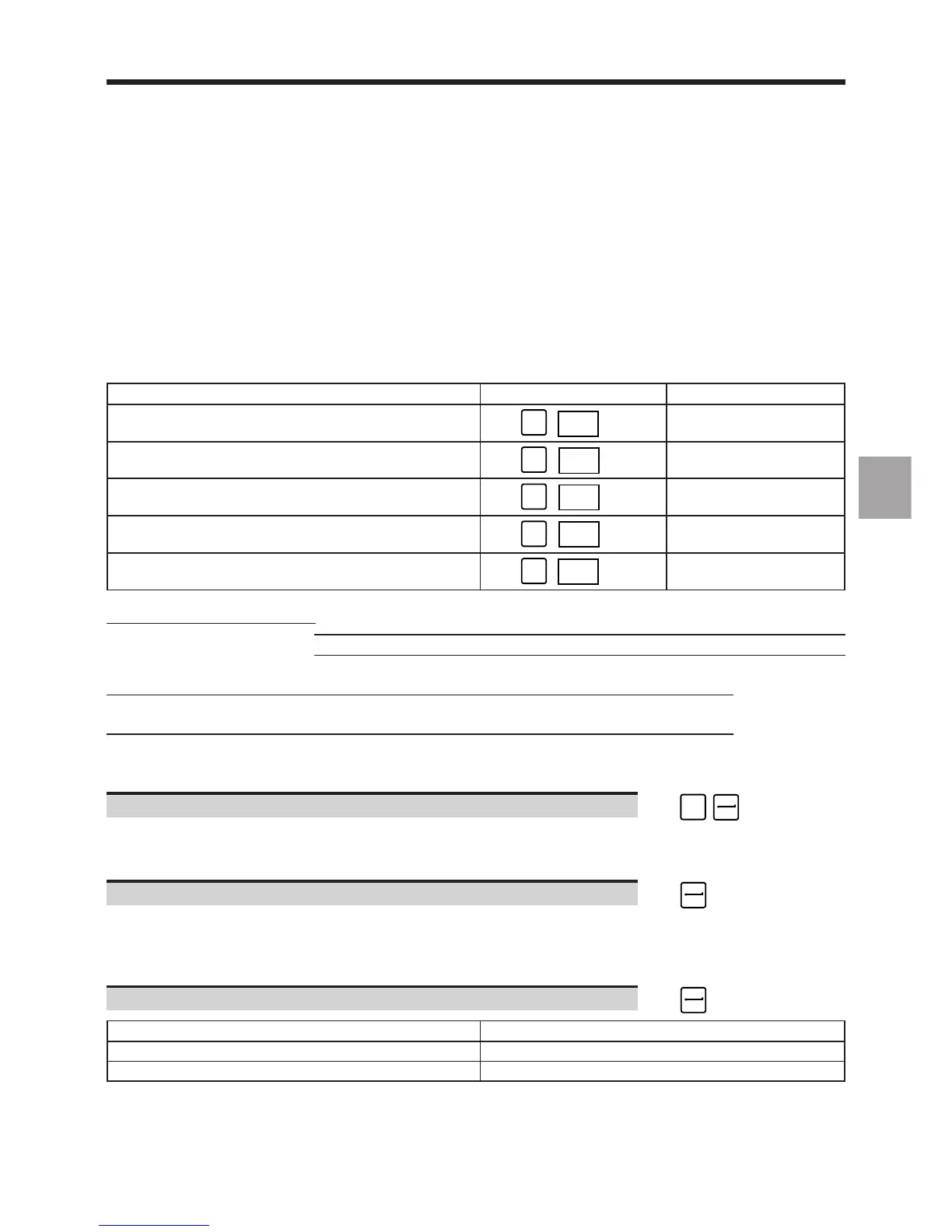
5.4.1.3 Reading a Programme in Drip Feed Mode
When a programme is too long to be stored in the CNC RAM or the user does not wish to store it (e.g. a programme
from a CAD system and subject to modifications), this programme can be executed by reading it directly from a
peripheral or a computer.
A programmed executed in drip feed mode is subjected to certain restrictions concerning skips, subroutines and
emergency retraction blocks (See Programming manual).
Requirements
Requirements met for the selected mode (See table).
Execution mode Selected mode See
Automatic (default selection) 5.4.3.5
☞
MODE
AUTO
Single 5.4.3.3
☞
MODE
SINGLE
Dry run 5.4.3.4
☞
MODE
DRYRUN
Sequence number search 5.5.1.5
☞
MODE
SEARCH
Test 5.4.2.6
☞
MODE
TEST
Programme sent by a peripheral
Transmission from a peripheral Transmission from a computer
Link established with the peripheral Link established with the computer and
(See C.2) file to be loaded selected (See C.3)
Peripheral ready to send data
(See peripheral manual)
"FILE LOADING" menu displayed on the screen and transmission line selected (See 5.4.1).
Actions
Select "ACTIVE PROGRAMME SELECTION" ☞
#
3
The cursor moves to the following line:
3 ACTIVE PROGRAMME SELECTION
Confirm active programme selection. ☞
The "INCYC" indicator is displayed in the status window (See 3.1.3) and the following message appears on the
dialogue line:
(%..) ❚
Select the programme source (See Syntax below). ☞
Programme source Syntax
Peripheral PPR %[Group No.] ∗
Computer PPL %[Group No.] ∗
∗ The term %[Group No.] is only required for systems with axis multigroups. It is used to assign the programme to
one of the axis groups (e.g. PPR %1.1 assigns the programme to the first axis group).



 To Next Page