5 - 30 en-938821/2
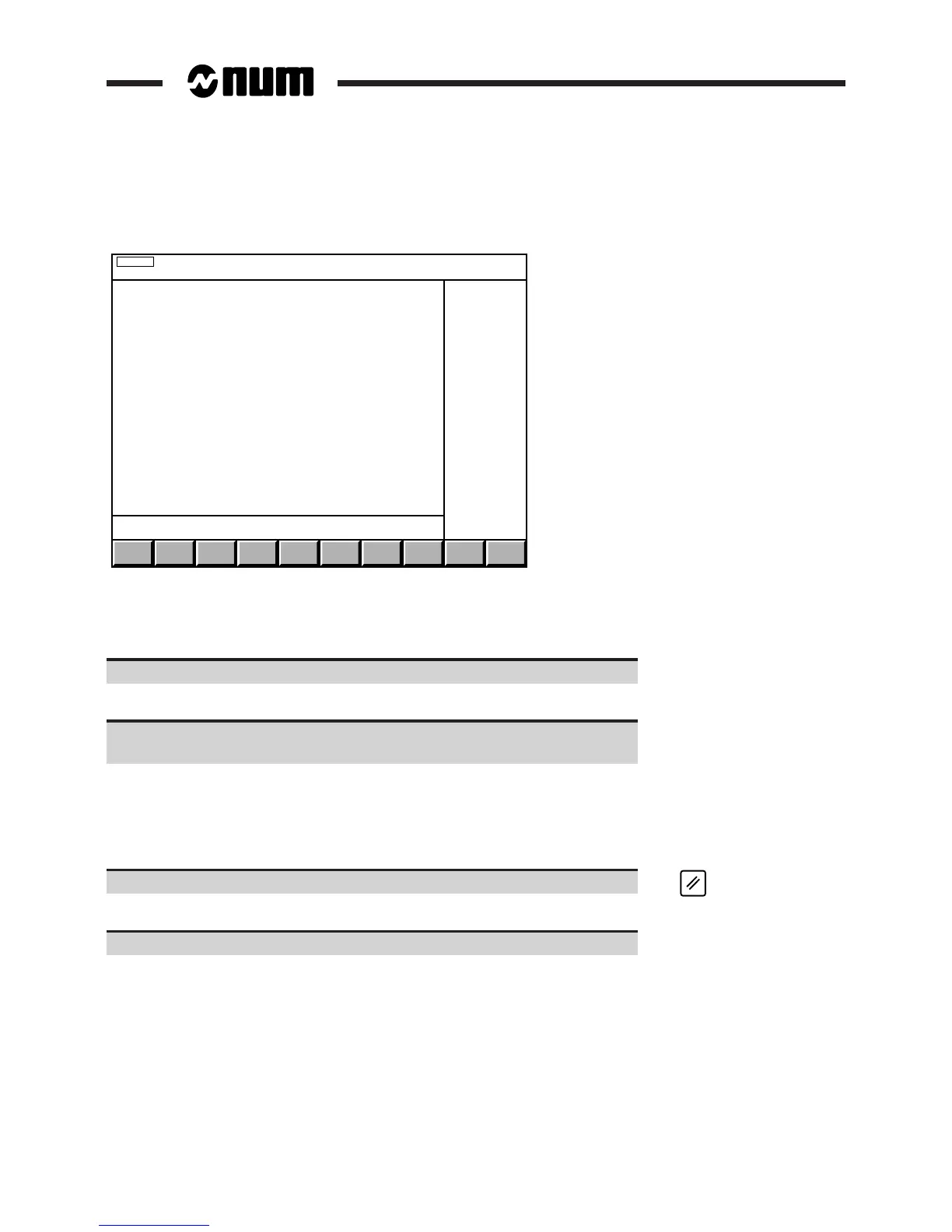
Display of the information page, "PPR" (or "PPL") (on the first line) and the automatic mode indicator (in the status
window):
AUTO
PPR N0
G1 G17 G90 G40 G54 G94 G97 G80 G73 G71
G16R+
X+0 Y+0 Z+0
F1000 S0 T0
M5 M9 M48 M64 M66 ED0
PROG.OFFSET: X+0 Y+0 Z+0
TOOL: D0
SPEED: 100% S0 FEED: 100%
The system allocates a 32 KB buffer in the programme memory.
REMARK If between 1 and 32 kbytes of memory are available, all of this area is reserved by
the system and the drip feed mode can be executed without any difficulty.
Select the desired execution mode (See table at the start of the section).
Display of the indicator of the selected mode in the status window (See 3.1.3).
Start the programme read and execution by pressing the "CYCLE" button on
the machine panel.
Execution of the programme in the selected mode (See references given in the table).
Incidents
When less than 1 kbyte of programme memory is available, the system displays the error indicator (error 36) in the
status window (See 3.1.3).
Acknowledge the error. ☞
The fault indicator disappears.
Delete unused programmes (See 5.4.2.3) and restart the procedure.



 To Next Page