3 - 16 en-938821/2
3.3.1.5 Mode Selection Keys
MODE
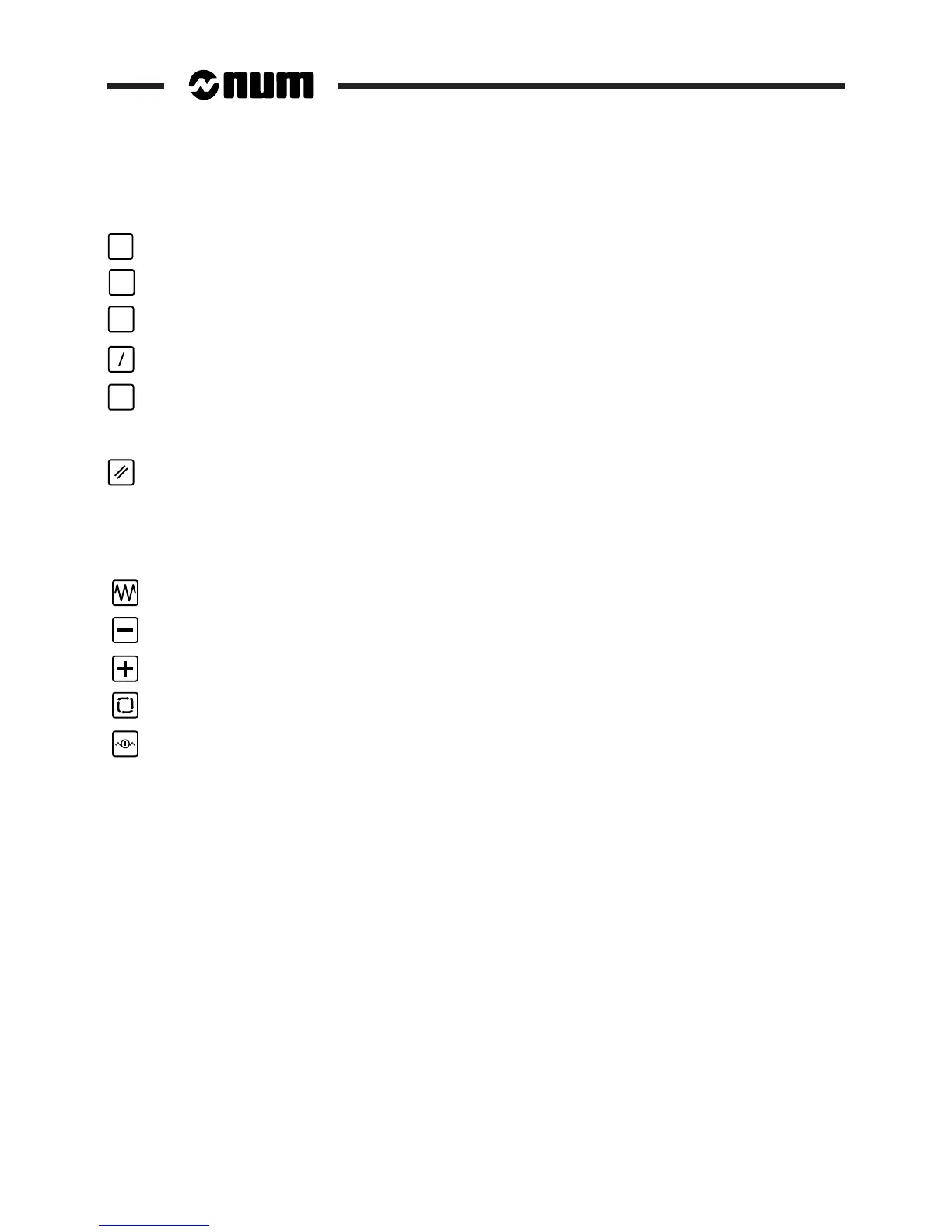
Mode key: used to display the "Mode" softkeys and then exit.
TOOL
Tool key: used to display the "Tool" softkeys and then exit (See 5.2.2).
JOG
JOG key: used to display the "JOG" softkeys and then exit (See 5.1.1).
Block skip: enables block skips "/" (QWERTY panel, See 5.4.3.1).
M01
Optional stop key: enables "M01" optional stops (QWERTY panel, See 5.4.3.1).
3.3.1.6 Reset Key
Reset key (See 5.5.1.8).
3.3.1.7 Machine Panel Function Keys on the Compact Panel
These five keys are specific to the compact panel. They are programmable and can be assigned to functions managed
by the PLC programme.
Rapid jog key: When this key is depressed, the jog keys move the axis selected at high speed.
Negative jog key: When this key is depressed, the jog keys move the axis selected in the negative direction.
Positive jog key: When this key is depressed, the jog keys move the axis selected in the positive direction.
Cycle key: This key starts execution of the active programme or a block in MDI mode.
Feed stop key: This key suspends execution of the active programme.



 To Next Page