Display System Utilization
en-938821/2 4 - 9
4
4.5.1 Access to the List of Programmes
The RAM comprises four areas (See 8.8):
- area 0 or user area,
- protected areas 1 (client), 2 (OEM) and 3 (NUM).
Requirements
Dialogue line "(&n)(%% OR %..N..) ❚" displayed (See 4.5).
Actions
Type "%%". ☞
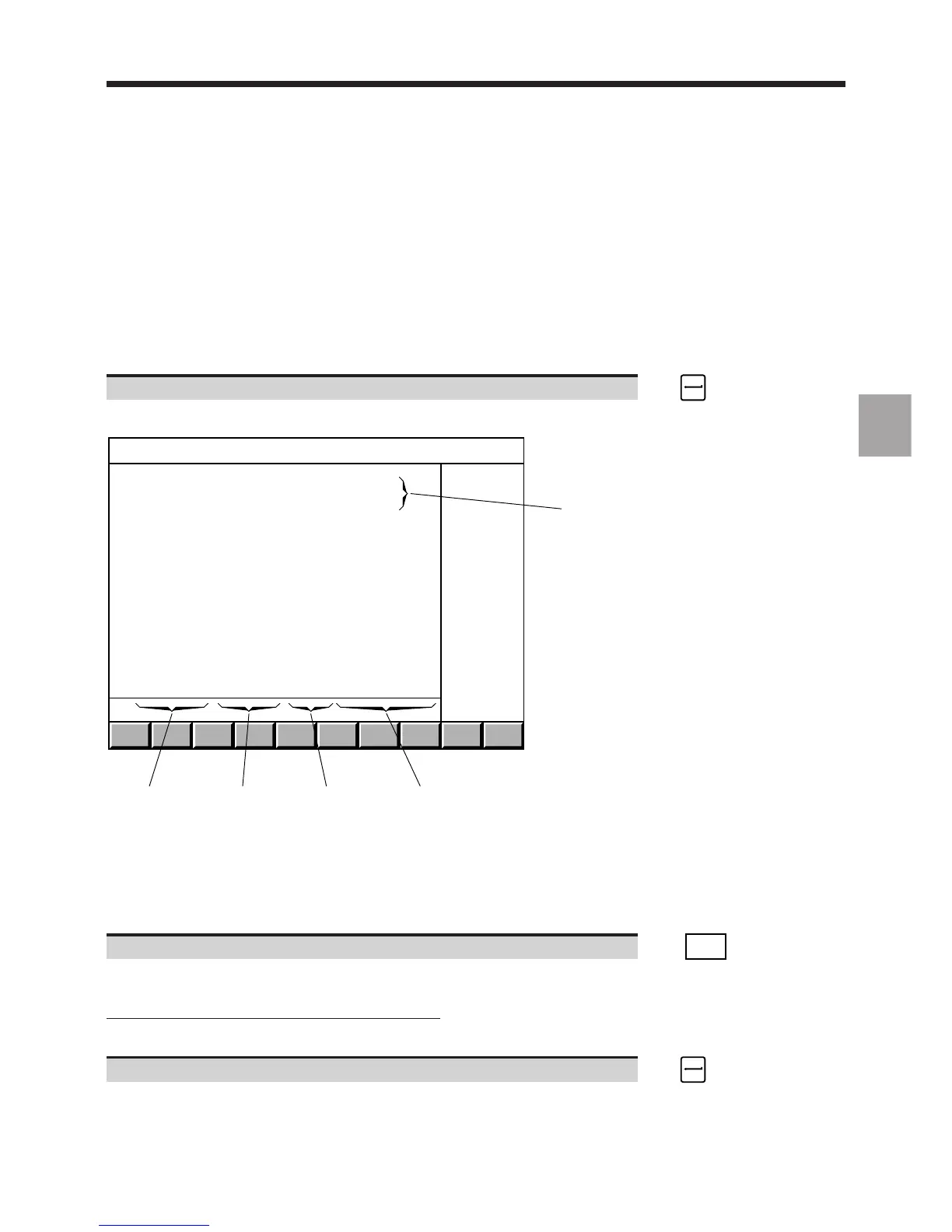
Display of start of list of programmes in RAM (area 0):
1
2
35
4
PROGRAM AREA IN RAM
USED : 553716 BYTES
FREE : 198896 BYTES
PROGRAM STACK: 40080 BYTES
> % 1.1 126386 B
% 18.1 57894 B 628'
(CYLINDER HEAD)
% 18.2 6534 B 174'
(CYLINDER HEAD)
% 19.1 2398 B 2'33"
(STIRRUP)
% 21.1 956 B '42"
% 21.2 424 B
% 40.1 7312 B
(JOURNAL BEARING)
%...
%...
%...
%...
%...
%...
%...
%...
% 122.1 17631 B 7'39"
(GEARBOX CASING)
1 - RAM allocation
2 - Start of programme comment (13 characters)
3 - Execution time of tested programmes (excluding timeouts, maximum displayable time: 1092 min)
4 - Programme size in bytes
5 - Programme number (the figure following the dot indicates the axis group number to which the programme is
assigned)
Display the next page of the list. ☞
. . / . .
DAT
Display of the rest of the list of programmes, then display of the beginning of each programme.
Access to the list of programmes in protected areas
Dialogue line "(&n)(%% OR %..N..) ❚" displayed.
Enter "&[Area number]%%" (e.g. "&1%%" for area 1). ☞
Display of the start of the list of programmes in the area specified, indication of the area number (&1 for area 1, etc.)
in the title bar of the page and on the information line of each programme.



 To Next Page