4 - 10 en-938821/2
4.5.2 Access to the Listing of a Programme
Requirements
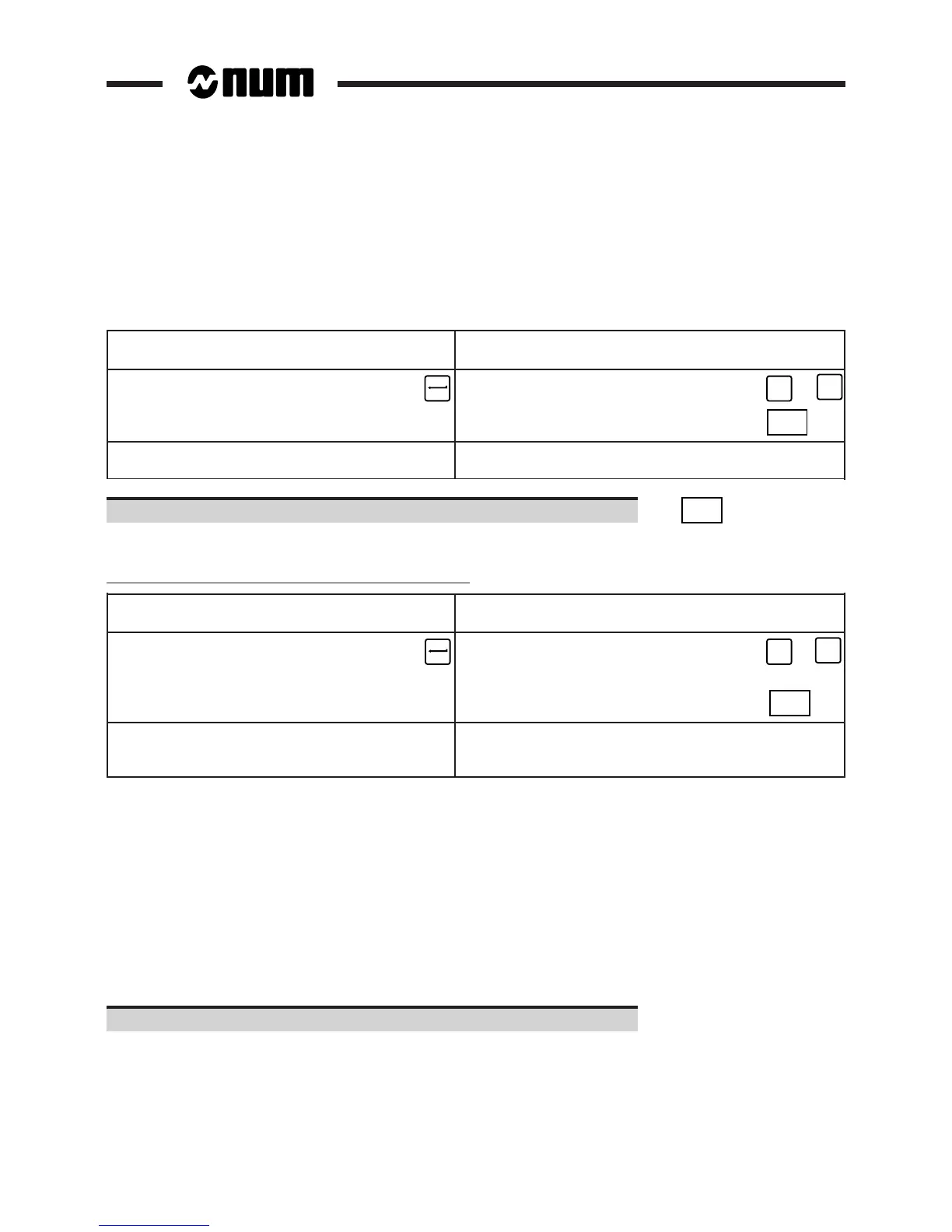
A programme listing can be obtained from the dialogue line "(&n)(%% OR %..N..) ❚" or from the list of programmes
displayed.
Actions
Dialogue line displayed List of programmes displayed
(See 4.5) (See 4.5.1)
Enter "%[Programme number]" Move the cursor select
☞ the programme ☞
➞
or
➞
Display the programme
☞
LIST
Display of the beginning of Display of the beginning of the programme and the
the programme dialogue line "(&n)(%% OR %..N..) ❚"
Display the next page of the programme. ☞
. . / . .
DAT
The dialogue line is cleared and the next page of the programme is displayed.
Access to the listing of a programme in a protected area
Dialogue line displayed List of programmes in a protected
(See 4.5) area displayed (See 4.5.1)
Enter "&[Area number]% Move the cursor to select
[Programme number]" ☞ the programme ☞
➞
or
➞
Display the programme
☞
LIST
Display of the beginning of the Display of the beginning of the programme and
programme. The programme number the dialogue line "(&n)(%% OR %..N..) ❚" the
is preceded by "&n". programme number is preceded by "&n"
REMARKS Programmes in protected areas may be locked (See 8.8.3), in which case only the
programme number is displayed.
When a request is made to display a programme using the list of programmes in
a protected area, the programme with the same number in the lowest area will be
displayed. For example, using the list of programmes in area 3, if the cursor is
placed opposite programme number &3%1.2, programme %1.2 of area 1 will be
displayed if it exists in this area and not in area 0.
Incidents
If the programme cannot be found in the memory, the message "PROGRAMME DOES NOT EXIST" is displayed in
the dialogue line.
Select another display page.



 To Next Page