Display System Utilization
en-938821/2 4 - 23
4
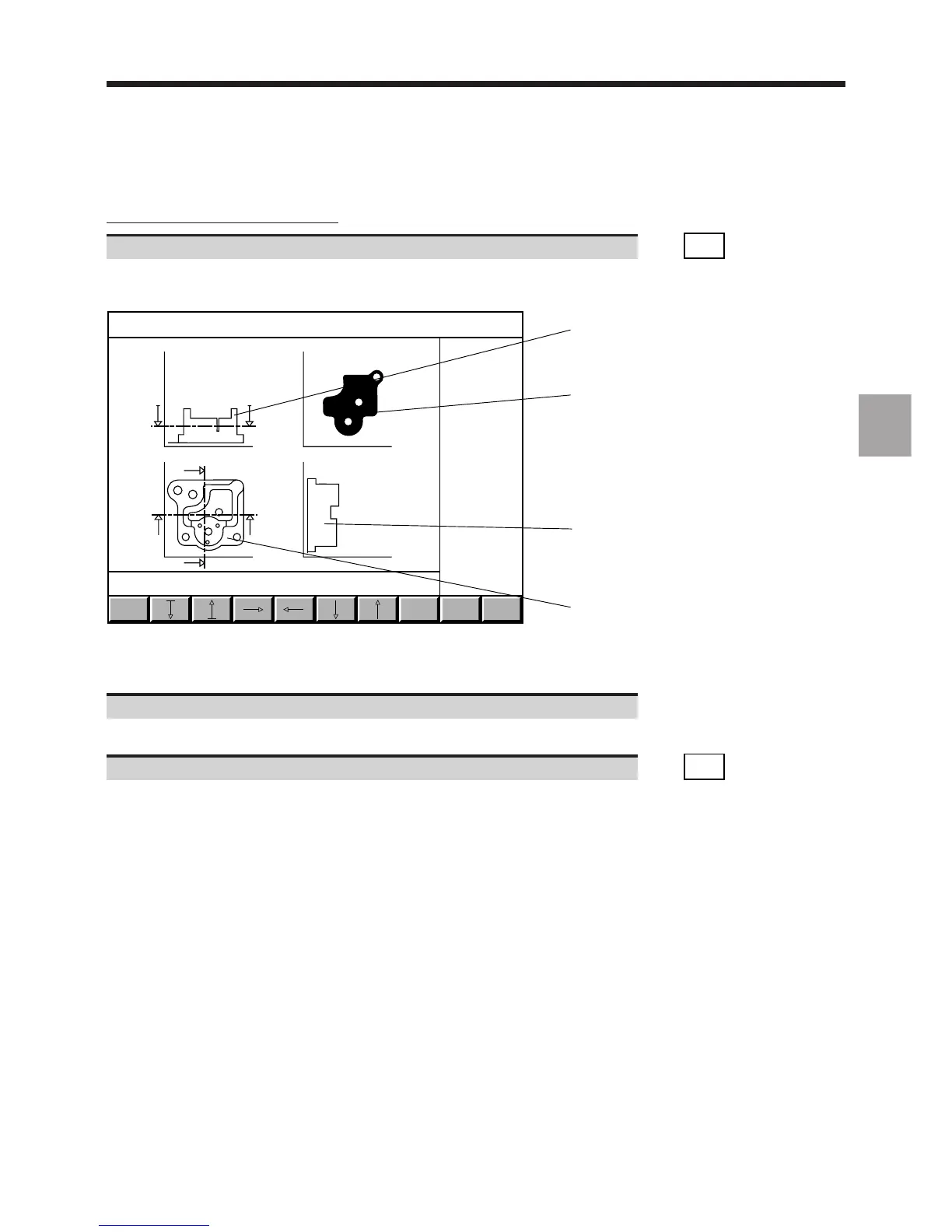
Display of cross-sections of the part
Select the cross-section function. ☞
CROSS
SECTN
Display of the cross-section page:
FULL
VIEW
EXIT
Y
X
Y
Z
X
Y
ZX
1
2
1
3
1 - Cross-sections
2 - Cross-section perpendicular to machining axis
3 - View of part along machining axis
Use the softkey arrows to move the cross-section planes.
Movement of cross-section planes and display of corresponding cross-sections.
Return to 3D display page. ☞
FULL
VIEW



 To Next Page