5. Check the Enable playing sound on event option.
6. Select sound file, default sound or user defined sound (.wav).
7. Click the OK button.
The function only activates on event, which means you have to setup camera motion,
camera I/O and I/O Box I/O as an event. Refer to Event & Action Management to
do the setting.
5.2 Remote Live Viewer Application
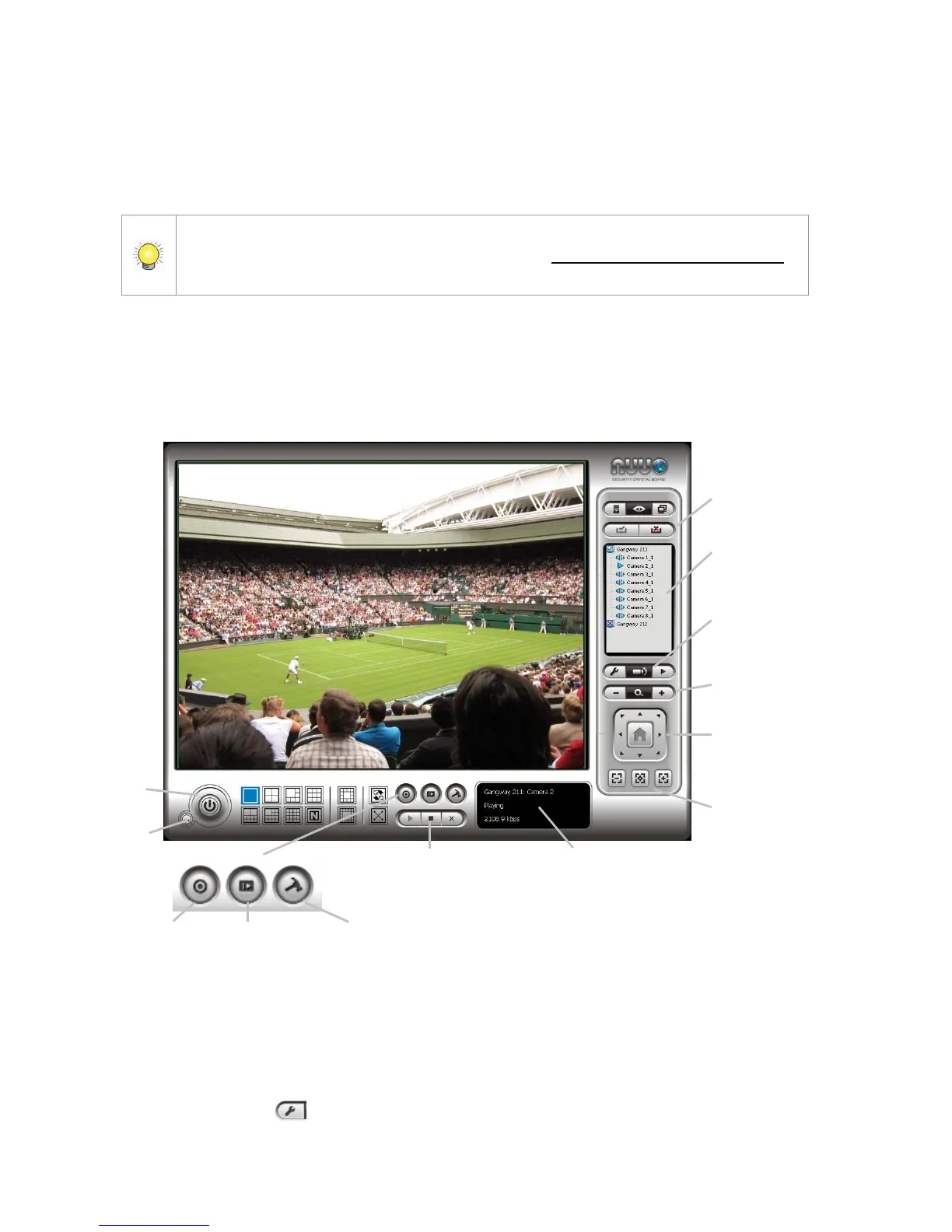
5.2.1 Remote Live Viewer Application Control Panel
PTZ Camera Control: You may control the camera view by using the
PTZ camera control panel to adjust the camera’s view. This is only
available with cameras that support the PTZ function.
Set Preset Point / Go to Preset Point: Adjust the camera view and
click the button to set up this view as preset point. Repeat the



 To Next Page