4. Log in to all the servers that contain the camera(s) you would like to put
into the group(s).
5. Click the Insert button to create a new group.
6. Name this group.
7. Highlight the camera(s) that you would like to add into this group and then
click the <-- button.
8. Repeat step 6 to establish the group.
9. Repeat steps 3 through 7 to establish other groups.
10. Click the OK button.
5.2.5 Delete/ Rename Camera Groups
1. Startup > NUUO NVRmini 2 > Remote Live Viewer.
2. Click the General Setting button.
3. Click the Group tab.
4. Click the group which you want to modify.
5. Click the Delete or Rename button to remove or rename that group.
6. Repeat steps 3 and 4 to modify other groups.
7. Click the OK button.
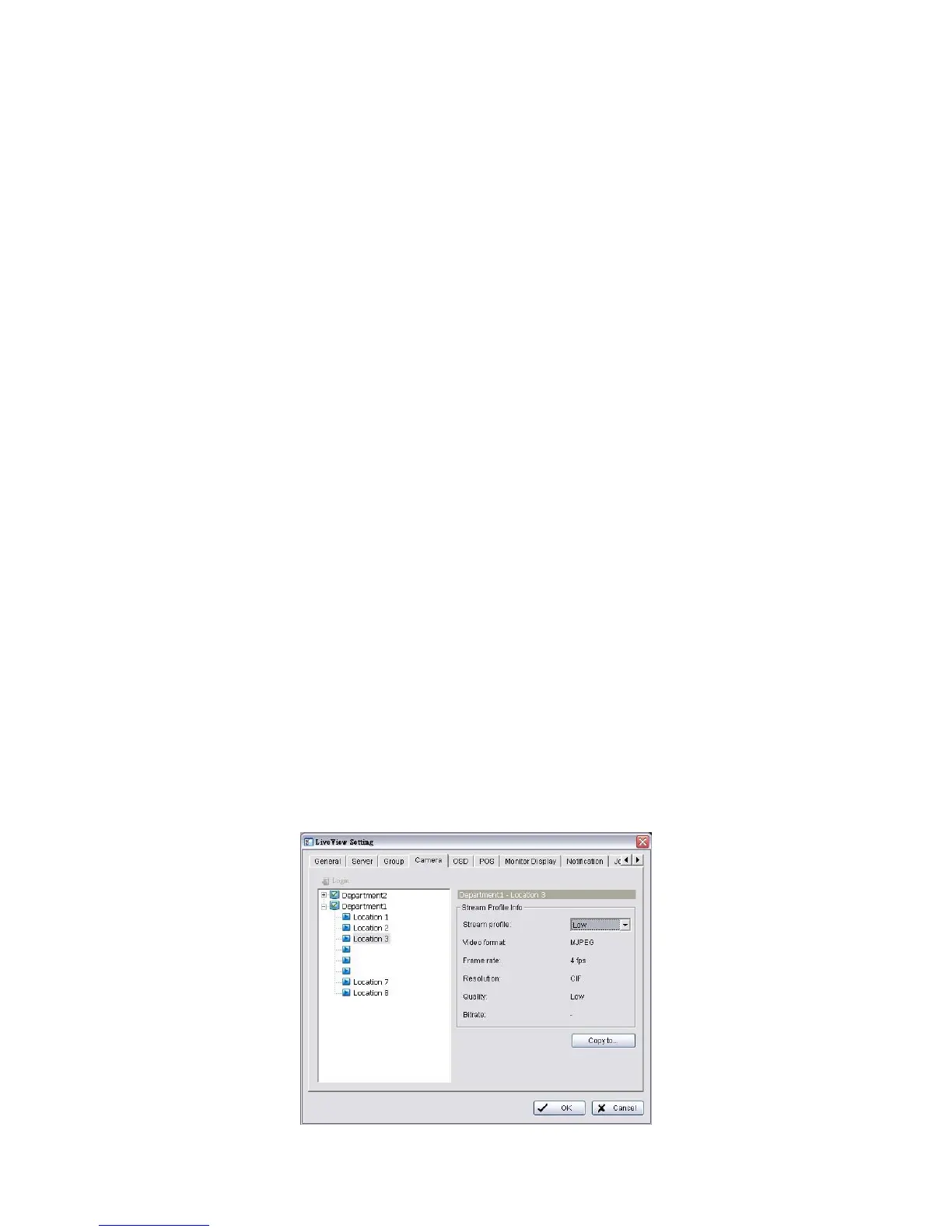
5.2.6 Stream Profile Setting
Select the preferred stream type of each camera as default live view profile.
1. Startup > NUUO NVRmini 2 > Remote Live Viewer.
2. Click the General Setting button.
3. Click the Camera tab.



 To Next Page