10. External Storage
Total recording space of 4 bay unit can be expanded largely by connecting DAS
through eSATA port. Follow the directions to enlarge your recording space.
10.1 Create a Volume on DAS
The current compatible DAS is AXUS FiT Series. We don’t guarantee the
quality of other DAS models. Please refer to the manual of AXUS FiT Series to
create a single volume on DAS.
We are unable to create a volume on external storage in NVR setting page, so do NOT
skip this step before connecting to NVR device.
10.2 Create an External Storage
1. Log in to the unit.
2. Click RAID & File System / RAID Management.
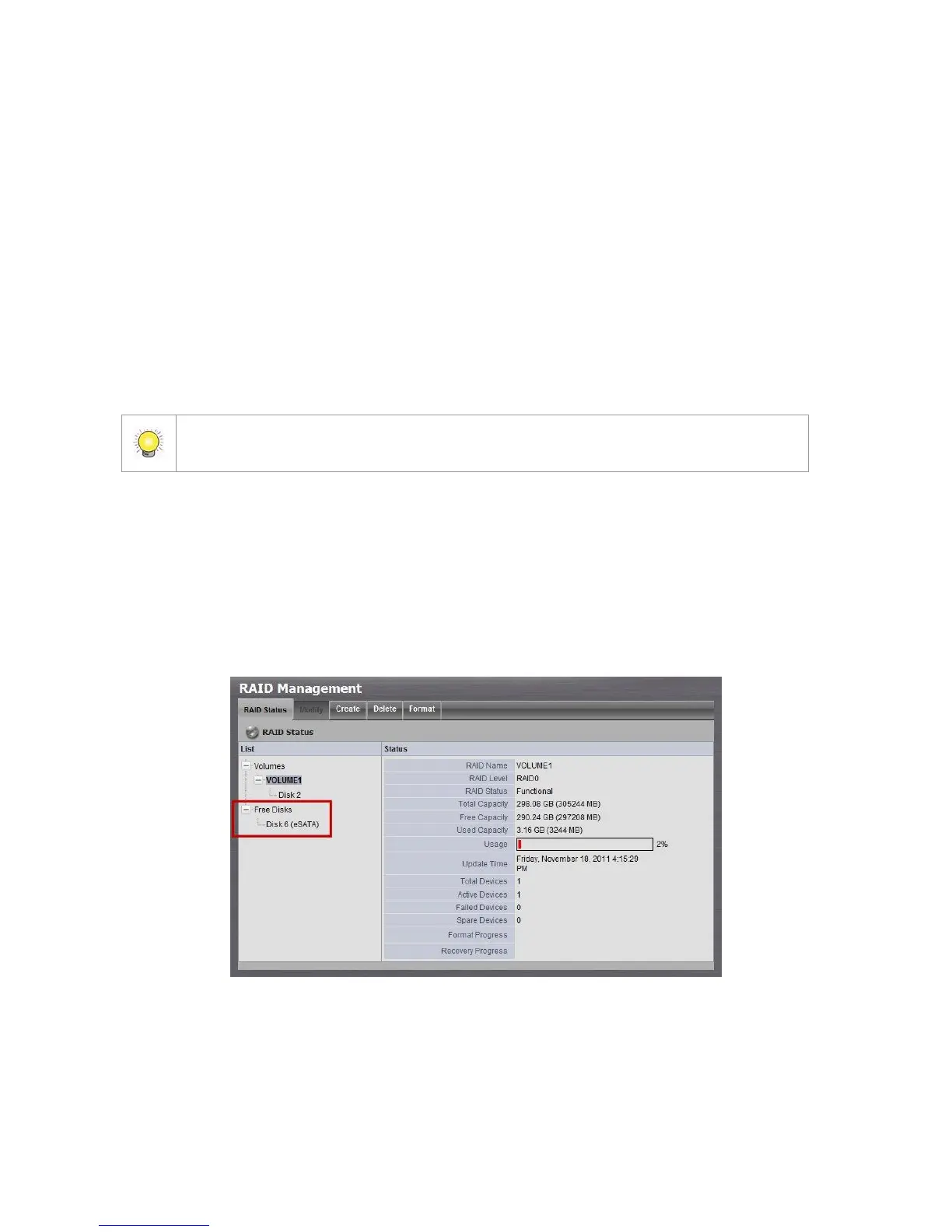
3. You will find External SATA Disk displayed in Disk List.
4. Click on the eSATA disk directly to check the disk drive information.



 To Next Page