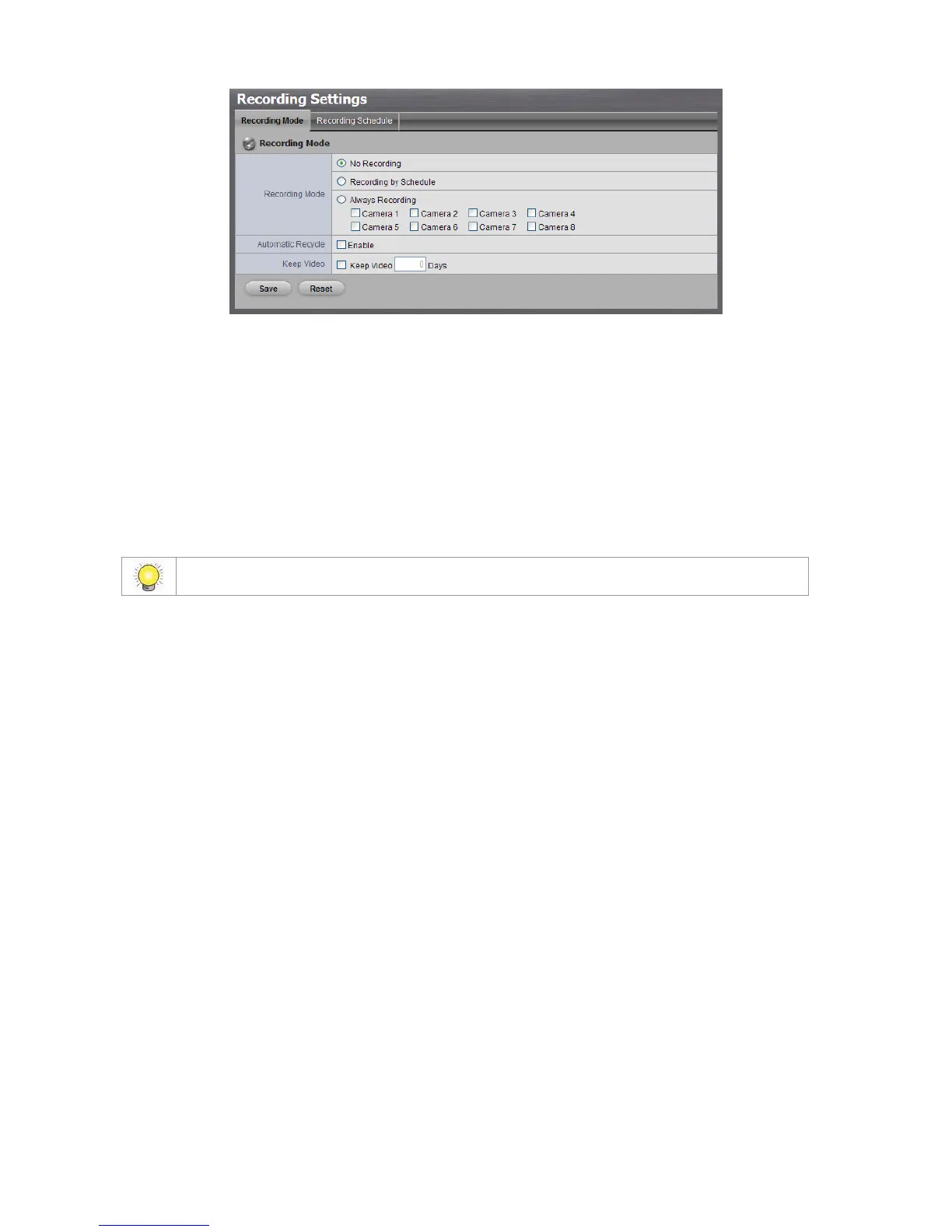
No Recording: Turn off the recording.
Recording by Schedule: Recording by schedule.
Always Recording: Permanently turn on the chosen cameras.
Automatic Recycle: Check the Enable option to recycle disk space
automatically when the disk space is full.
Keep Video: Set a period during which the recorded video clips will be
kept intact. (max: 365)
2.2.2 Recording Schedule / Event Setup
Instead of Always Recording, you can begin the recording by setting the
Recording Schedule.
1. Open Internet Explorer and log in to the unit.
2. Click Recording & Event / Recording Settings.
3. Click the Recording Schedule tab.
4. Check the Day or Week mode.
Day: Schedule the recording to turn the recorder on and off at the same
time every day according to your setting.
Week: Schedule the recording for each day of the week differently.
5. Click the schedule of the camera which needs to be modified.
6. Click the column at the bottom of the page.



 To Next Page