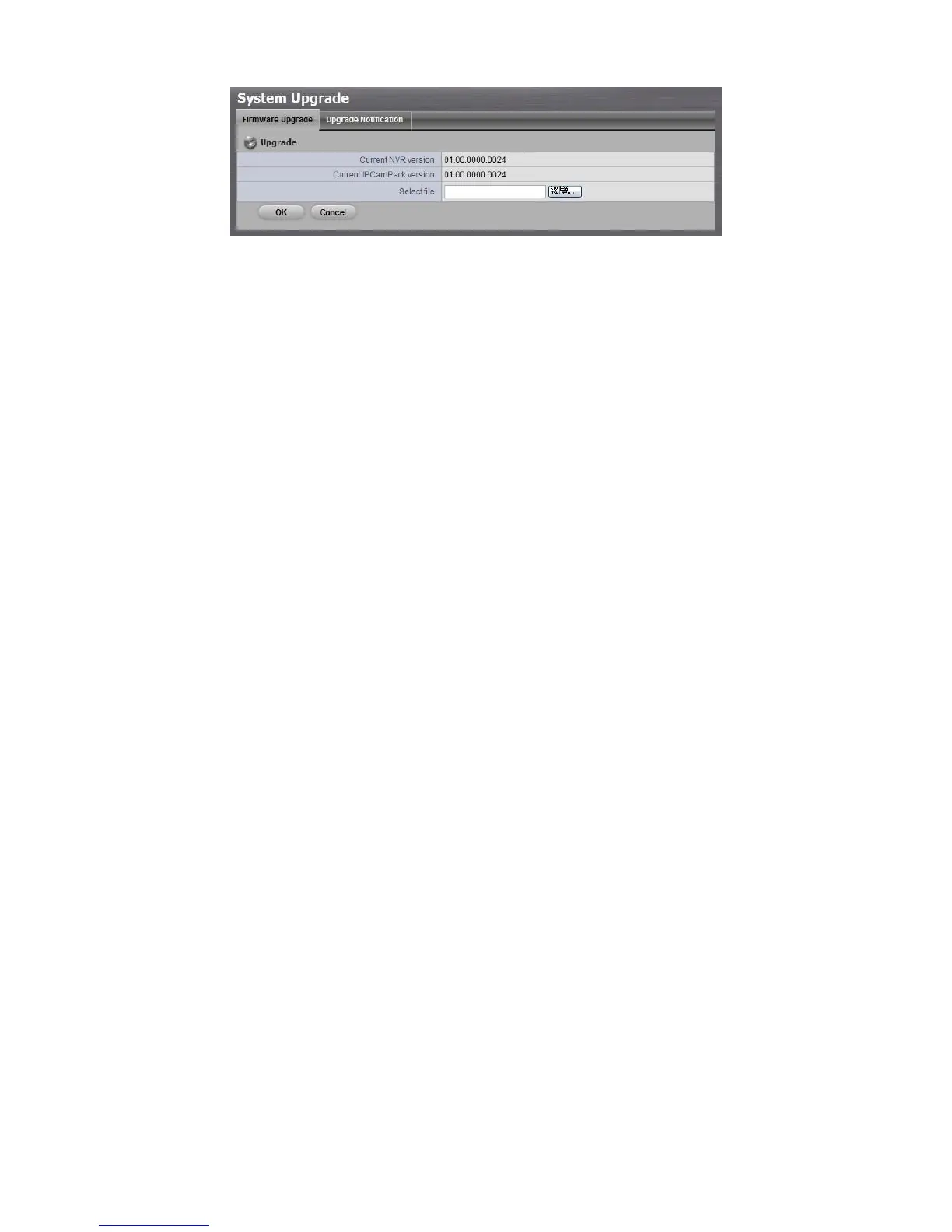
4. Browse the FW for upgrading and click the OK button.
5. A confirmation dialog pops up. Click the OK button to start upgrade
process.
6. After upgrade, the system will restart. You need to re-access the unit again
after this.
2.7.6 Upgrade Notification
Enable this function to allow us to notify you automatically when there are
firmware updates (Recommended). This will help keep your system up to date.
The updater will also collect info from your system that will be used for future
system improvements.
1. Open Internet Explorer and log in to the unit.
2. Click System / Upgrade.
3. Click the Upgrade Notification tab.



 To Next Page