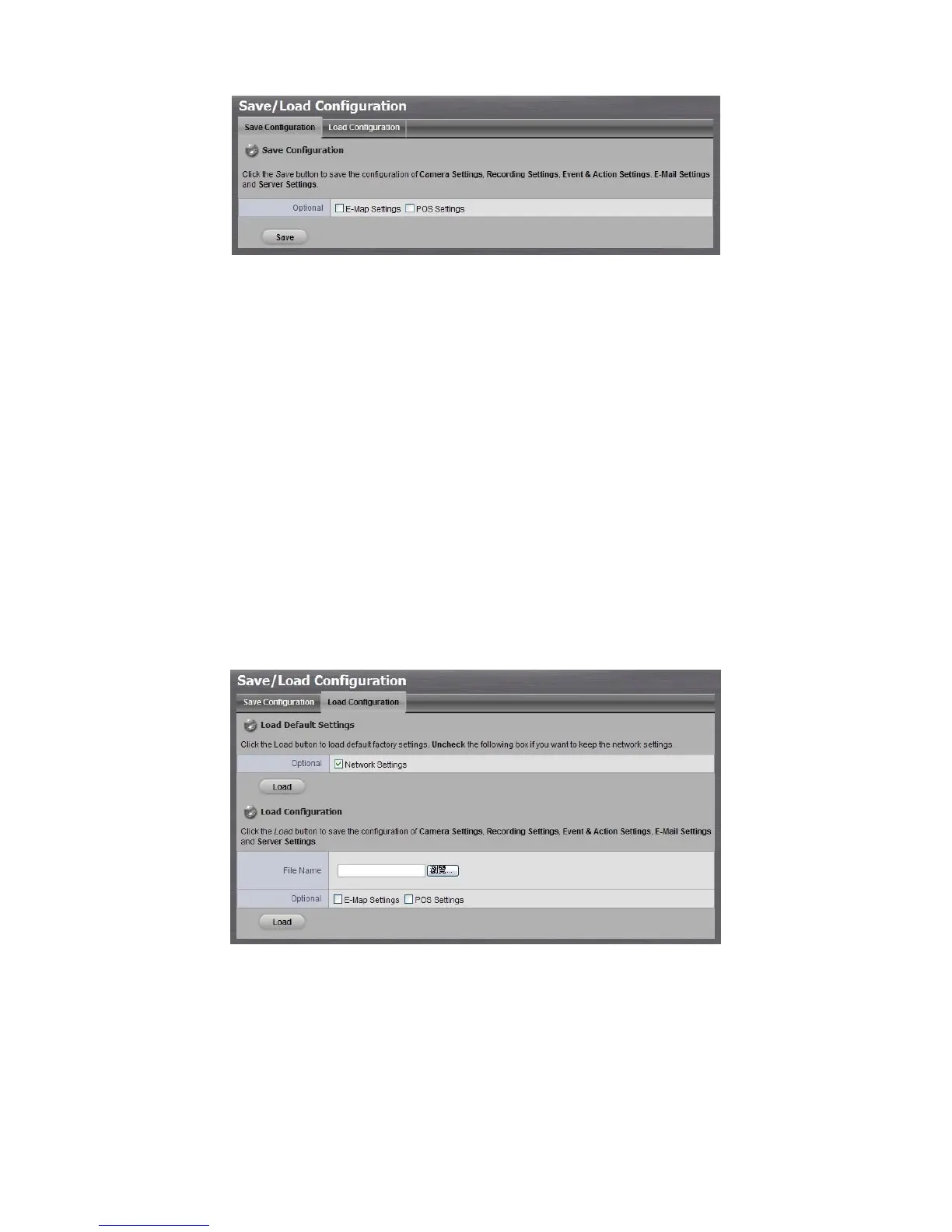
4. Check the box of E-Map Settings or POS Settings if you want to keep the
configuration.
5. Click the OK button.
6. The configuration file will be generated into the chosen folder.
2.6.10 Load Unit Configuration / Default Settings
Load configuration can let you apply another unit’s settings to the current unit;
Load Default Settings will revert all of the unit’s settings back to the default
factory settings.
1. Click Management / Save / Load Configuration.
2. Click the Load Configuration tab.
3. Follow the direction to Load Default Settings or Load Configuration.
For the former, uncheck the box of Network Settings to keep the IP
address; for the latter, check the box of E-Map Settings or POS Settings
if you want to restore the configuration.
4. Click the Load button.
5. A confirmation dialog pops up. Click the OK button to begin to load the



 To Next Page