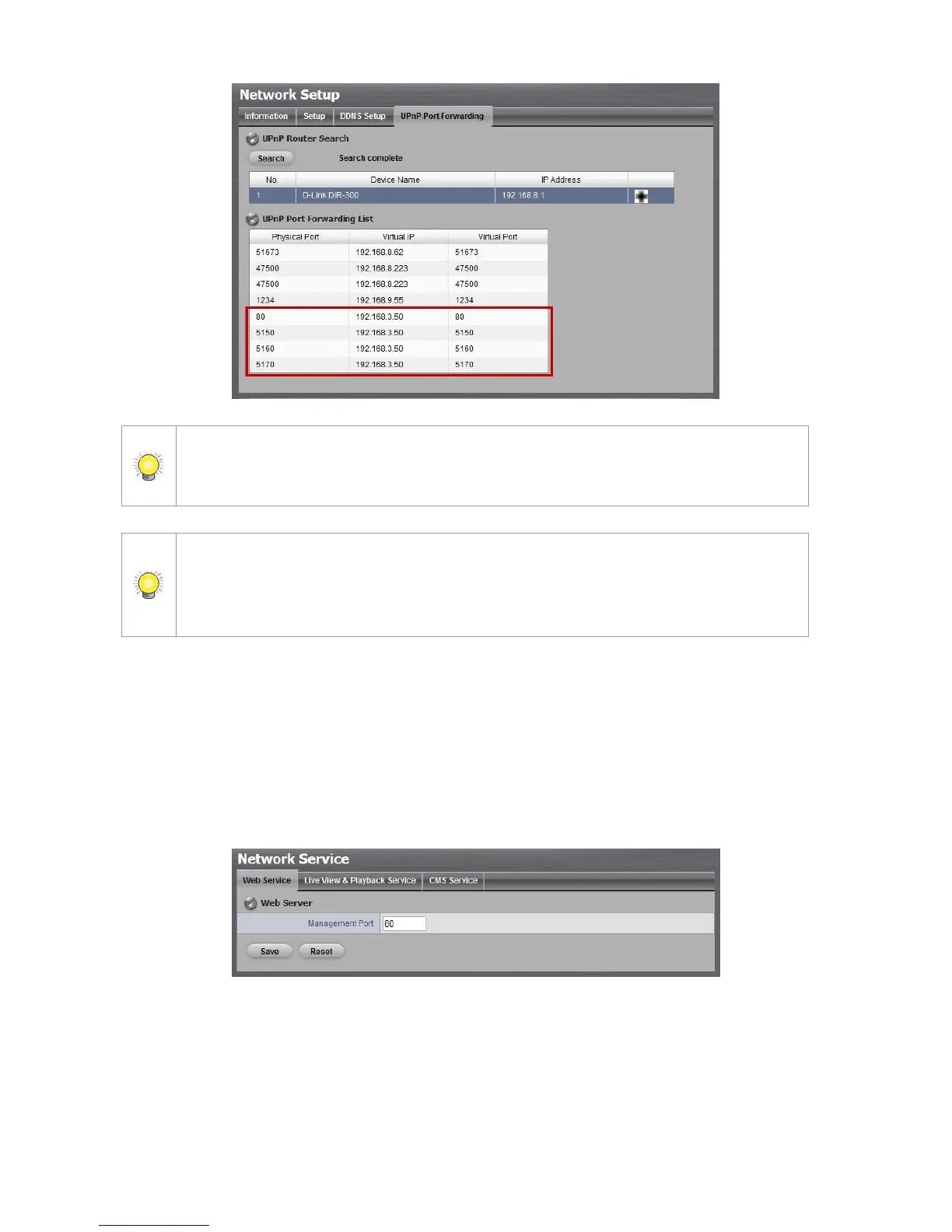
For security reason, the privilege of UPnP port-forwarding is LOWER than
port-forwarding configured on router. Therefore, if the ports have been used on
router, we are unable to know before finding out access failure.
UPnP port-forwarding is for temporarily use only. Most of UPnP router will clean up all
UPnP ports after router reboots. Furthermore, for some routers, if the port you want
to add has already been used for other devices in the same way (UPnP port
forwarding), this “enable” action will cover over the settings.
2.5.4 Network Service Setup
1. Open Internet Explorer and log in to the unit.
2. Click Network Setup / Network Service.
3. Click the Web Service tab
4. Set up a port for this unit and click the Save button.
5. Click the Live View & Playback Service tab.



 To Next Page