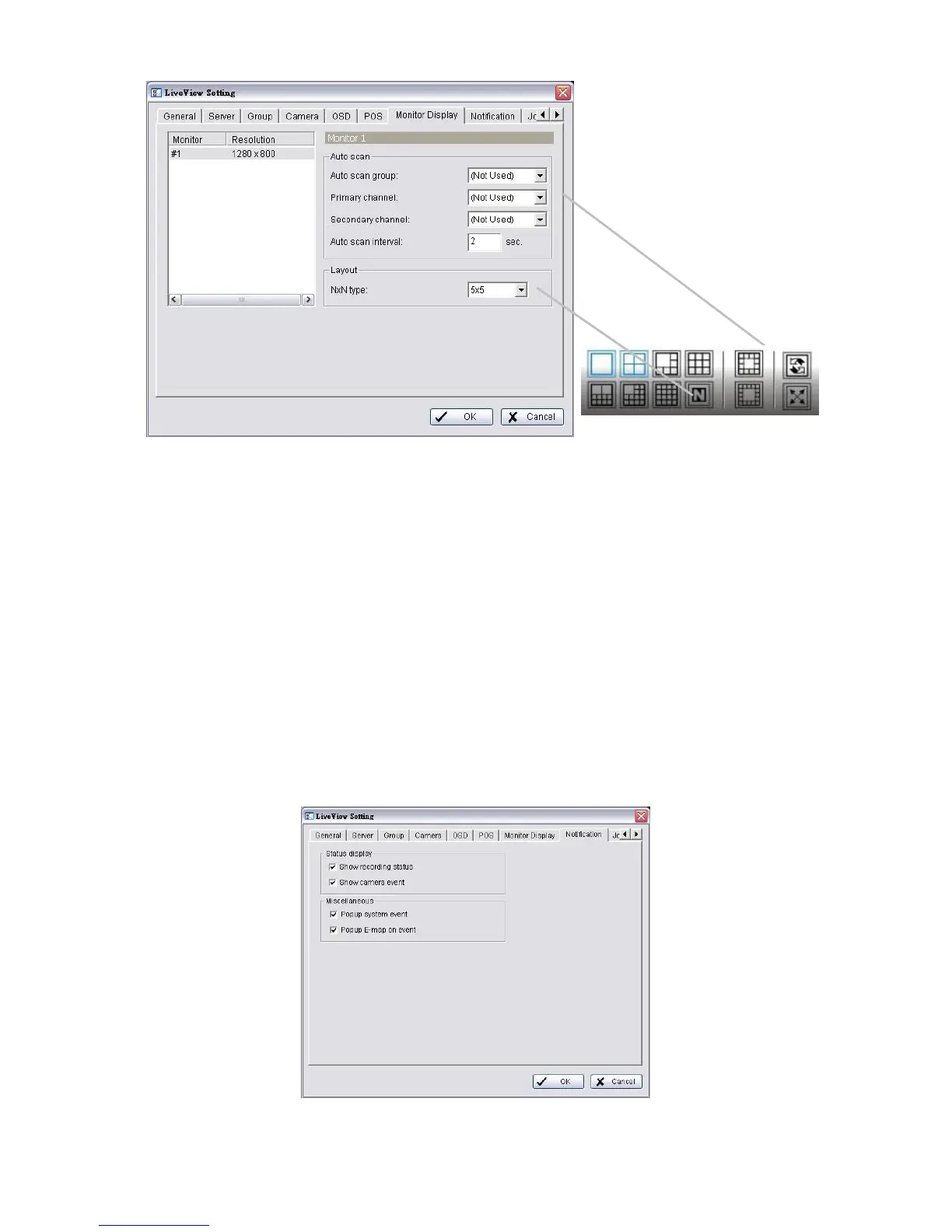
4. Select appointed server group to activate auto scan.
5. Select Primary channel which will always be on the screen when
activating auto scan; while select Secondary channel which has second
priority when activating auto scan. Enter the time interval for auto scan.
6. Select the screen division of NxN type.
7. Click the OK button.
5.2.9 Notification
1. Startup > NUUO NVRmini 2 > Remote Live Viewer.
2. Click the General Setting button.
3. Click the Notification tab.



 To Next Page