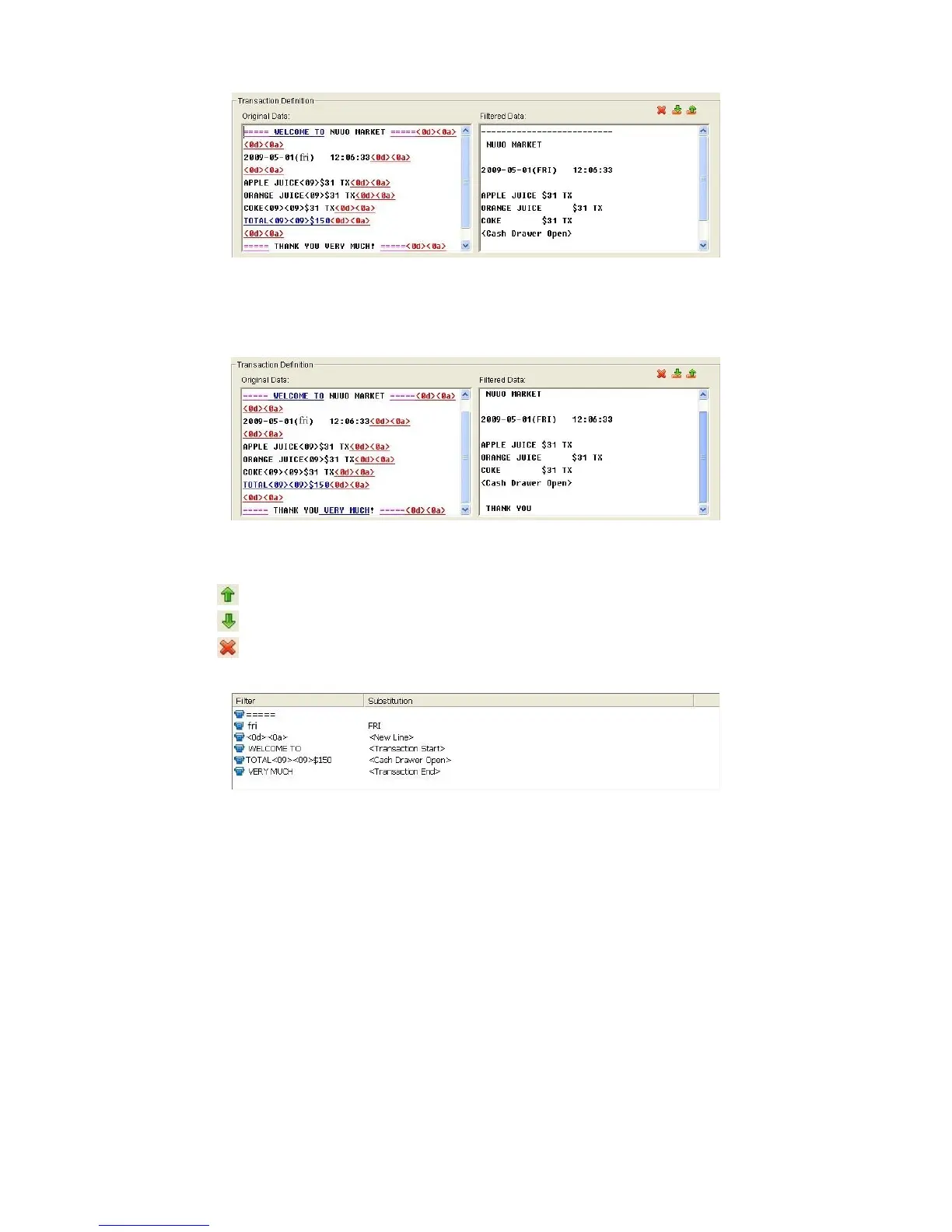
End: Define the selected text as the symbol for transaction ending. The
filtered data will be separated line as below.
7. Filter Tools
Up: Move a tag filter up; the upper filter will be operated earlier.
Down: Move a tag filter down; the lower filter will be operated later.
Delete: Remove a filter from this tag filter list.
8. Click the OK button to save.
3.3.2 Edit Tag Filter
1. Select Tag Filter name from drop-down menu.
2. Click Edit button.
3. Configure the Tag Filter window.
4. Click the OK button to save.
3.3.3 Delete Tag Filter
1. Select Tag Filter name from drop-down menu.



 To Next Page