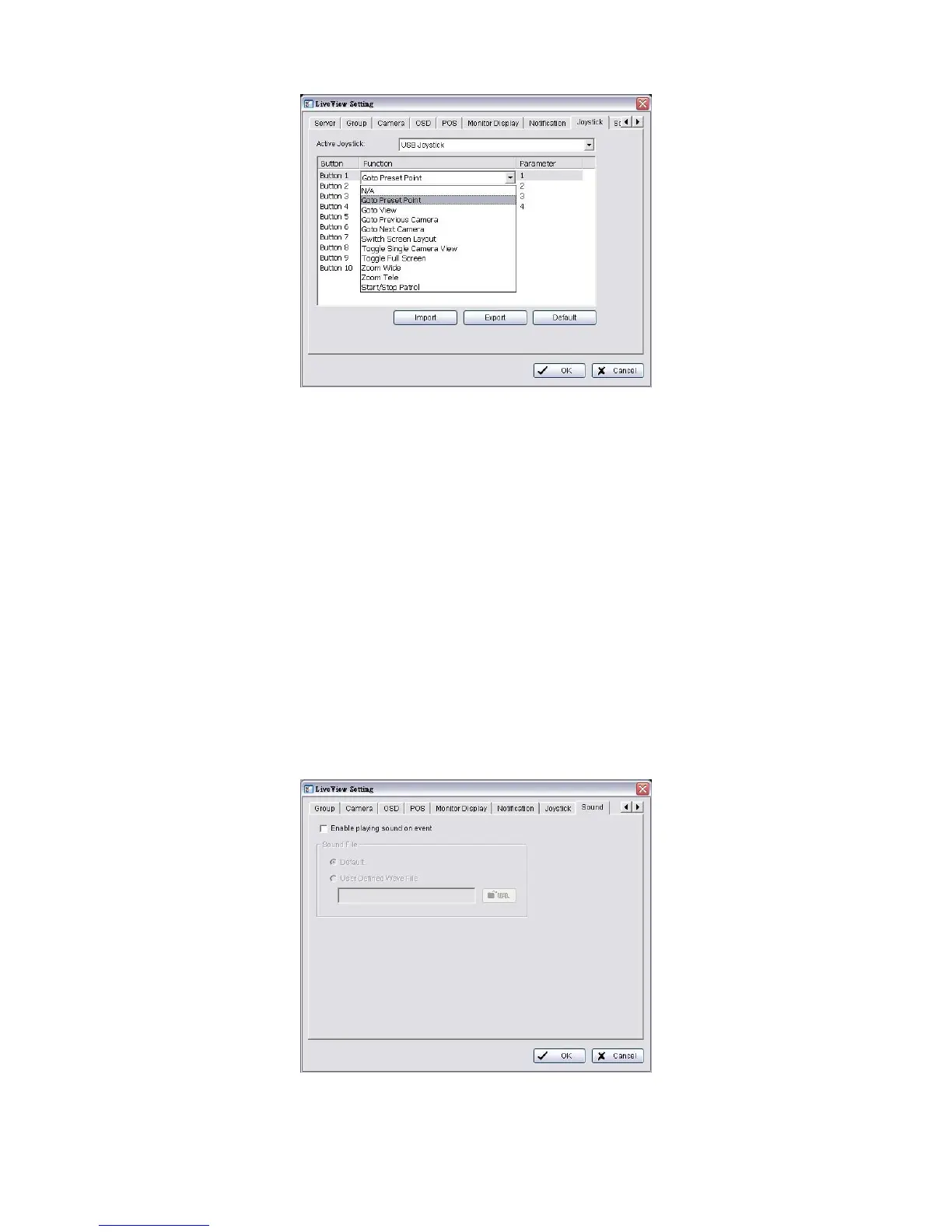
Parameter: Choose the preset point from the drop-down menu.
Default: Click to back to default setting.
Import: Click to import the settings.
Export: Click to export the settings.
4. Click the OK button.
5.2.11 Set up Live View Sound on Event
1. Startup > NUUO NVRmini 2 > Remote Live Viewer.
2. Click the General Setting button.
3. Click the Sound tab.
4. Check the Enable playing sound on event option.



 To Next Page