2. Settings
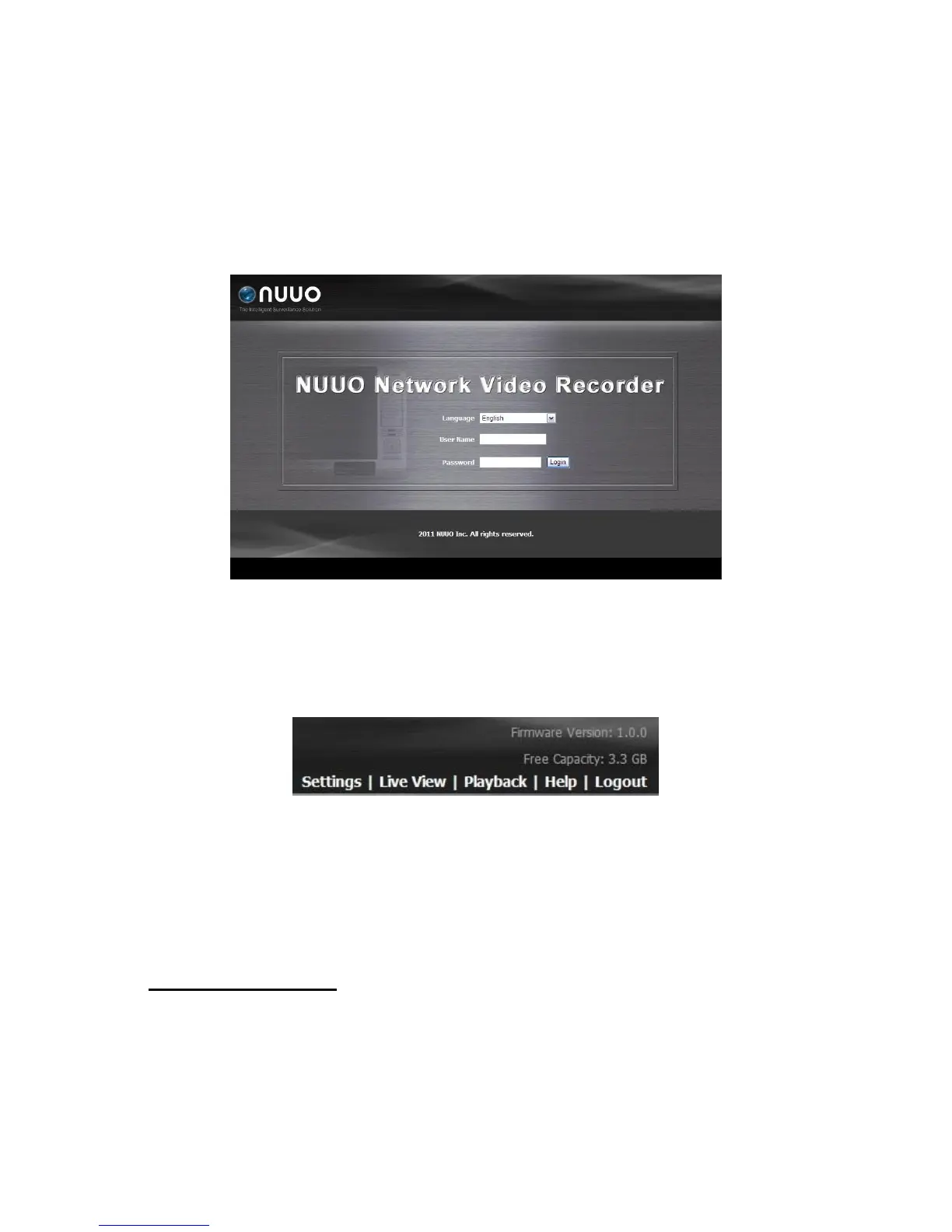
After setting up the unit, log in to the system by entering its IP address in the
browser (Internet Explorer 7 and later). When connecting, choose your
language, enter the user name and password, and then begin using this
system.
There are five main functions of this unit: settings, live view, playback, help,
and logout. They will be shown on the top of the page. Current firmware
version and free storage capacity are shown above the function list.
2.1 Camera Setup
2.1.1 Add Cameras by Camera Search
The function enables user to automatically search and add cameras in the
same network. There are two search mechanisms, one is UPnP, another is
camera search tool. Before searching UPnP cameras, make sure that the
cameras possess UPnP function.
1. Open Internet Explorer and log in to the unit.
2. Click IP Camera/ Camera Settings.
3. Click the Camera Search tab.



 To Next Page