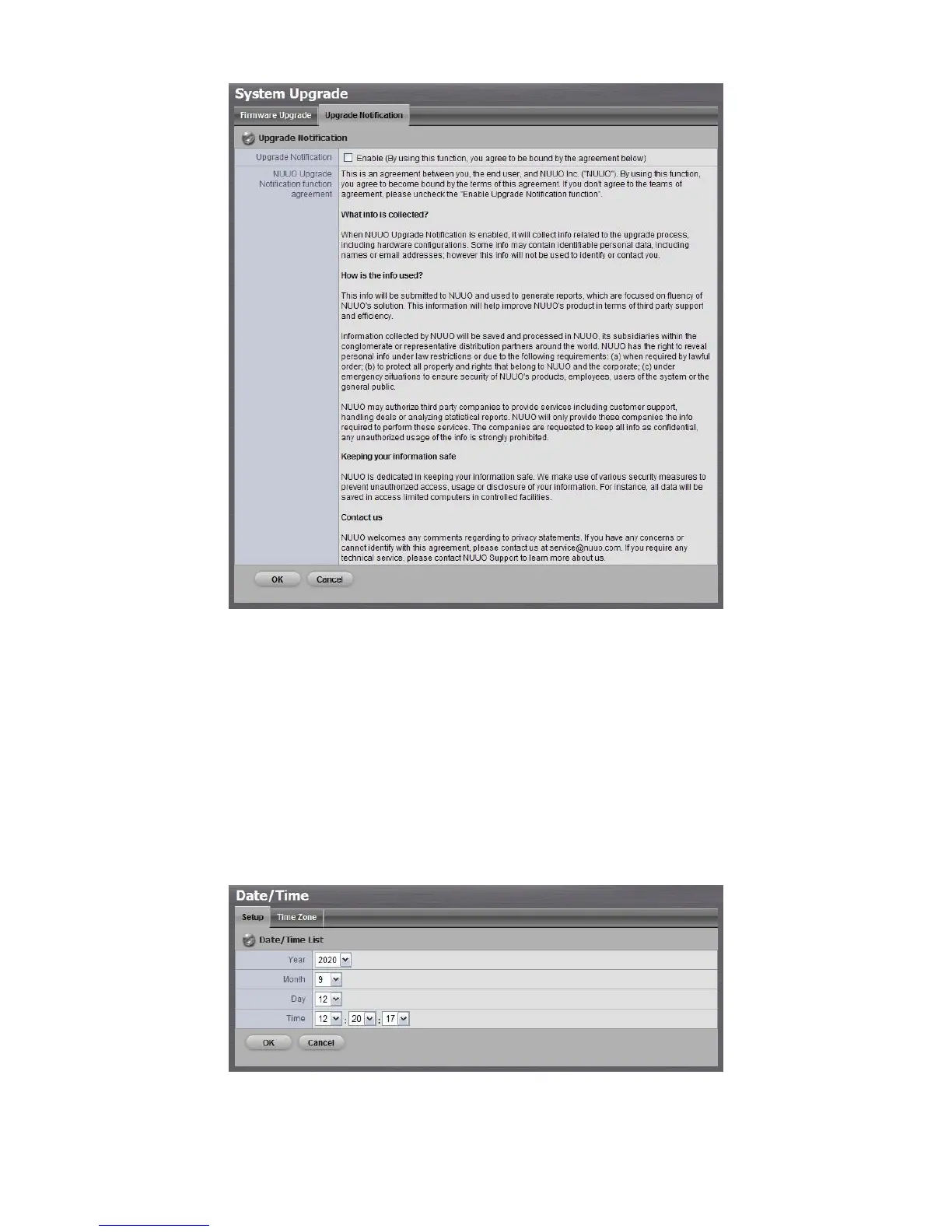
4. Check the option if you agree to be bound by the agreement.
5. Click the OK button.
2.7.7 System Date and Time Setup
1. Open Internet Explorer and log in to the unit.
2. Click System / Date/Time.
3. Click the Setup tab.
4. Choose the year, month, day and time.
5. Click the OK button to restart the system to activate the changes.



 To Next Page