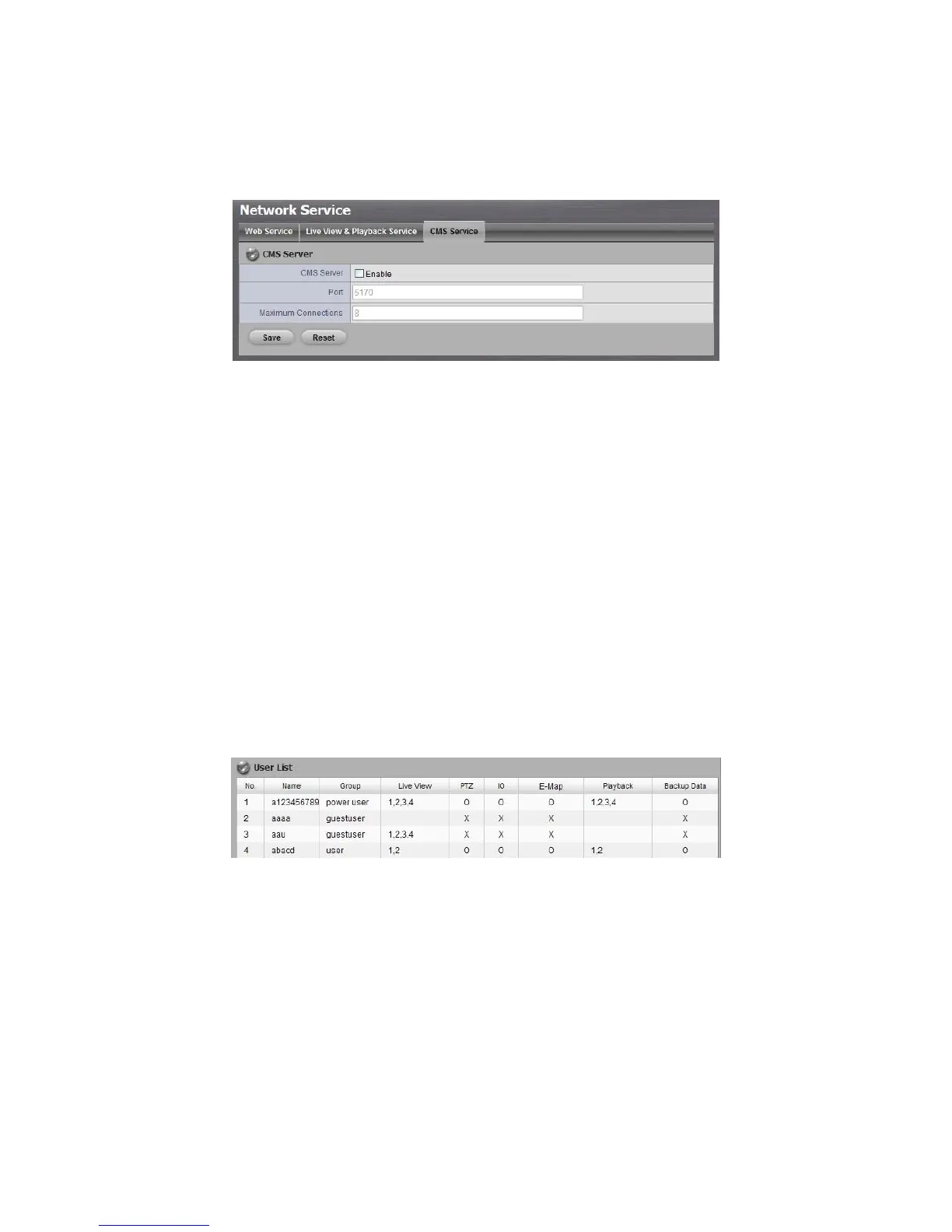
1. Open Internet Explorer and log in to the unit.
2. Click Network Setup / Network Service.
3. Click the CMS Service tab.
CMS Server: Check the Enable option to enable CMS service.
Port: the port number through which the CMS connects to this unit.
Maximum Connections: The maximum number of allowed CMS
connections.
2.6 Management
2.6.1 View the List of Users
1. Open Internet Explorer and login the unit.
2. Click Management/ User Management.
3. Click the Create New Users tab.
4. The list will be displayed on the bottom of the page.
2.6.2 Create New Users
1. Open Internet Explorer and login the unit.
2. Click Management/ User Management.
3. Click the Create New Users tab.



 To Next Page