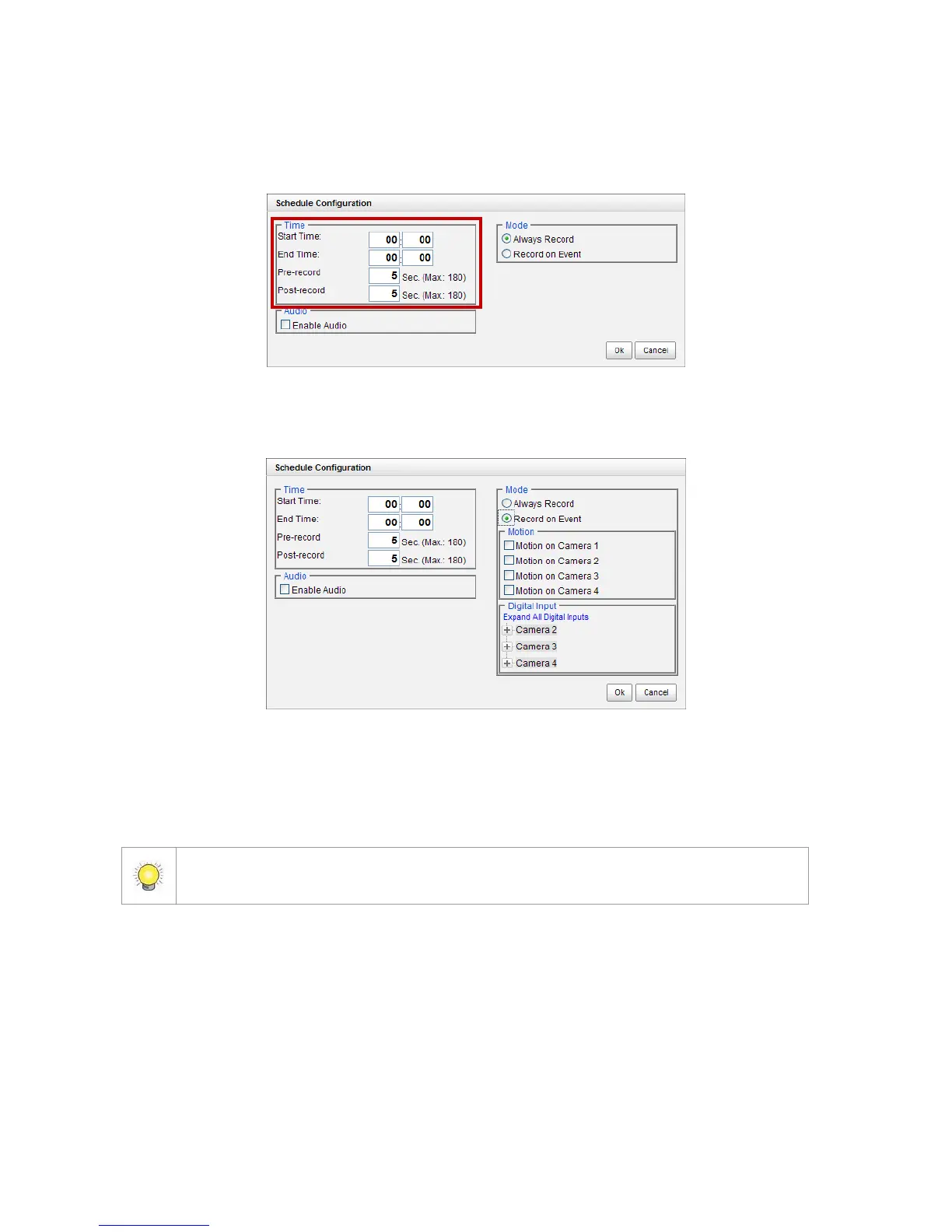
7. The default setting of the camera’s recording schedule is from 00:00 to
24:00. If you want to modify the time slot, click the Configure button to
modify the default settings first.
8. Choose the recording mode.
Always Record: Always record.
Record on Event: Record when events triggered. The event can be
triggered by Motion or Digital input.
When setting the event Motion, please first ensure that the motion detection function
of the camera has been enabled.



 To Next Page