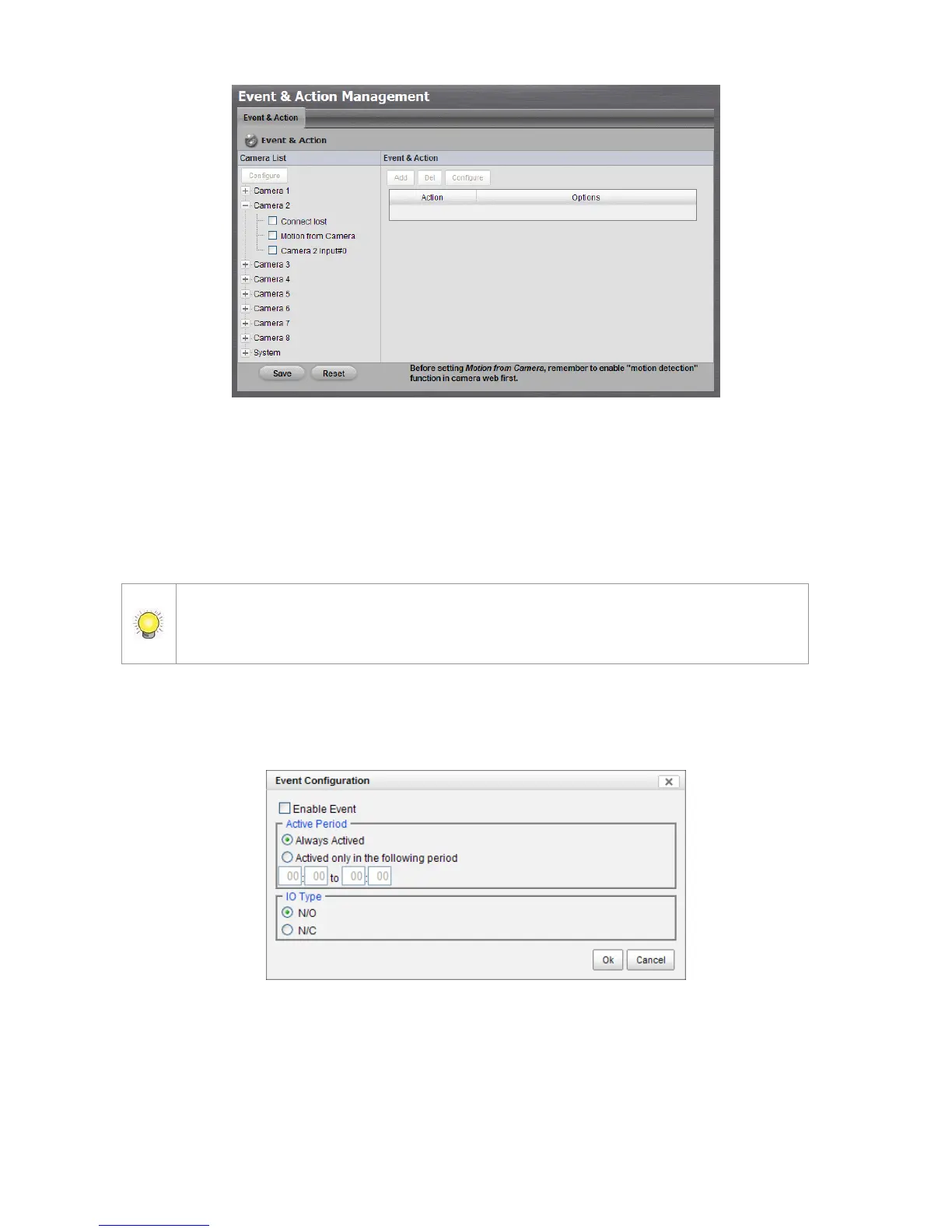
Connect lost: When a connection between the camera and this unit is
lost, the system will trigger an action.
Motion from Camera: When video motion is detected, the camera
triggers an action.
Input: Any external input can trigger an action.
When setting the event Motion from Camera, make sure to set up the camera’s
motion detection function first. Besides, event log will be recorded only if event is
selected on this page.
4. Click the Configure button to enable the event and select the active
period.
Always Actived: The selected event is always active.
Actived only in the following period: The selected event is only active
in the designated time, which able to cover two days e.g. from 18:00 to
09:00.
I/O Type: Check one of the options of I/O type. N/O means normal open,



 To Next Page