1_OTS LOCKS OJMAR 23
1.6.12 Time Set Key
This key records the time and date on the lock's clock. To do so, you must:
Program the key (See Section 4.11).
Use it on all locks, remembering that for every block of 15 locks another minute
is added to the next block.
NOTE: The time recorded on the key will be the time defined by the computer at
that particular moment.
NOTE: The key should be reprogrammed using the OTS Management Software
every 20 or 30 locks.
NOTE: For use exclusively by authorised personnel of the facility.
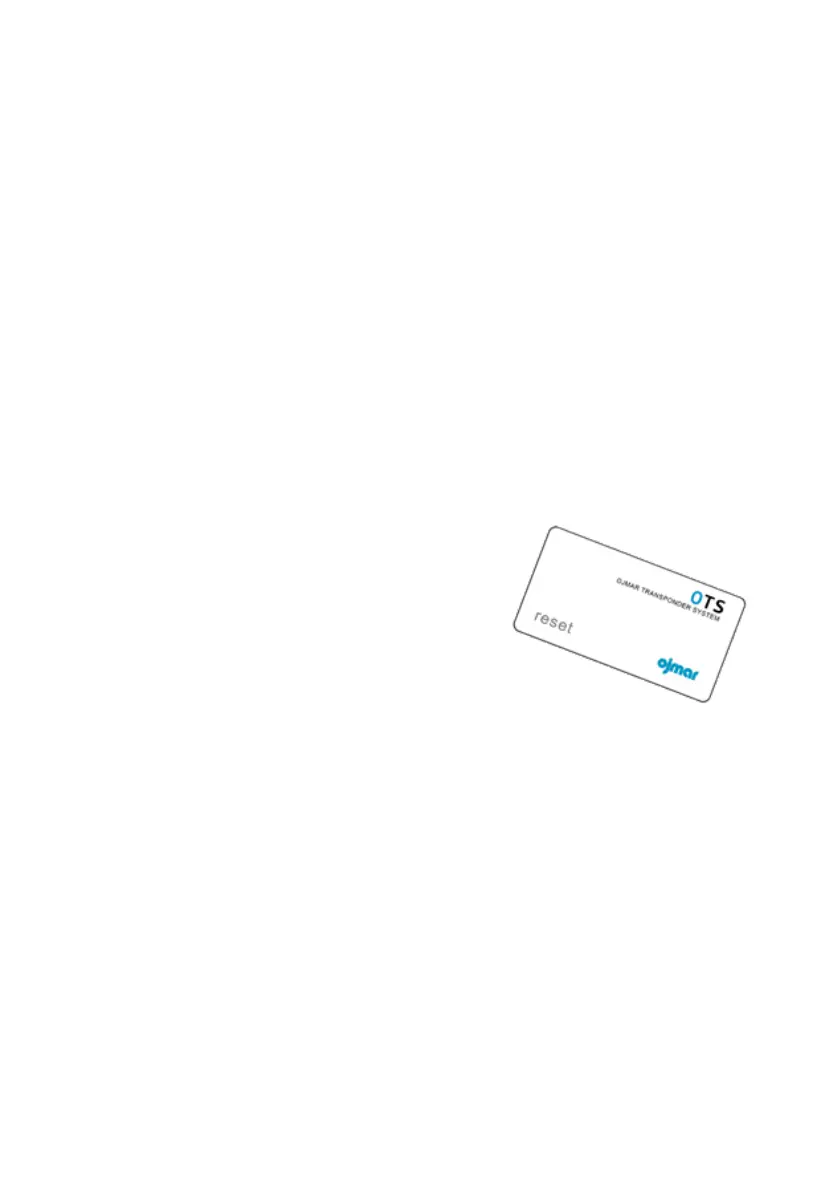
1.6.13 Reset Key
This key deletes all of the information from the lock and resets it to its factory
configuration. Therefore, a set-up key must be used to restart it.
NOTE: Just one deletion key is supplied for each
facility. Should you require an extra deletion key,
please contact Ojmar.
NOTE: For use exclusively by authorised
personnel of the facility.



 To Next Page