OJMAR 38
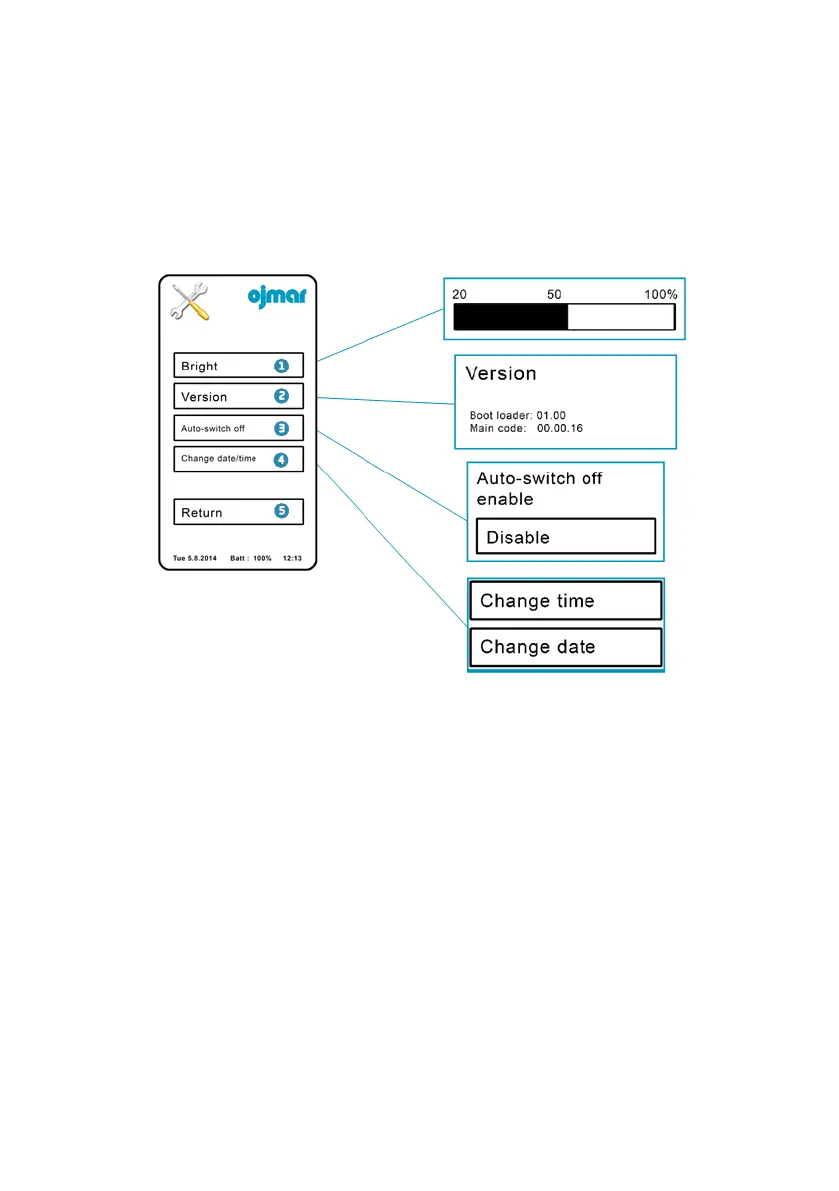
2.2.4 Configuration
This screen displays the following buttons:
1. Brightness: Allows for the level of brightness of the screen to be adjusted.
2. Version: Displays the version number of the software installed in the
programmer.
3. Auto-off: On pressing this button, the programmer screen will switch off
automatically after approximately 2 minutes of inactivity.
4. Change the date/time: This is used to change the date and time of the
programmer.
5. Back: Returns to the main menu.



 To Next Page