OJMAR 80
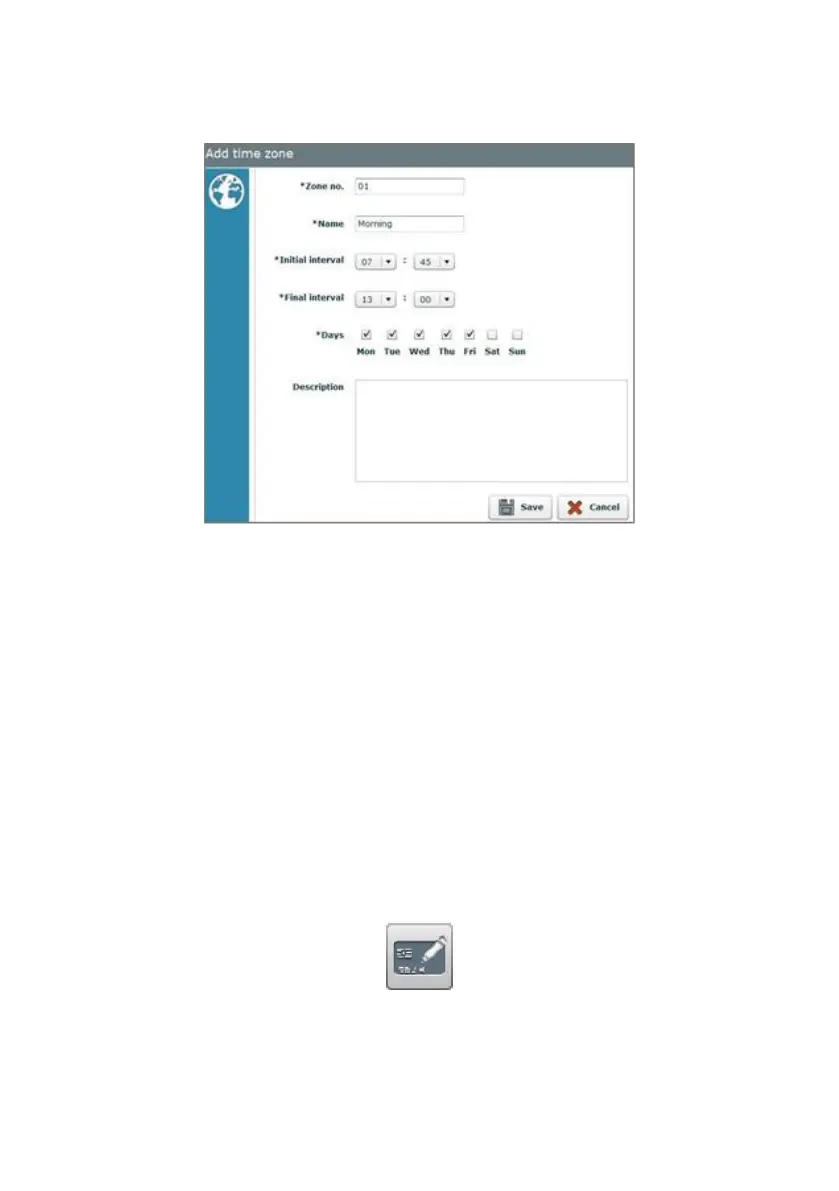
EXAMPLE: We create a new Time Zone called “Morning”. This key is operational
from 7.45 a.m. to 1.00 p.m., from Monday to Friday.
4.11 SET-UP KEYS
Set-up keys allow for a lock to be configured, leaving it operational (if the lock was
previously factory configured) or changing its properties.
Set-up keys can:
• Configure one or several "Free" type locks.
• Configure one or several "Dedicated" type locks.
• Assign an automatic opening time to the lock.
• Change the time zone of the lock.
• Set the time on the lock.
Access this screen via the “Keys / Set-up keys" menu or by clicking on the following
button on the main screen:



 To Next Page