4_OTS MANAGEMENT SOFTWARE OJMAR 79
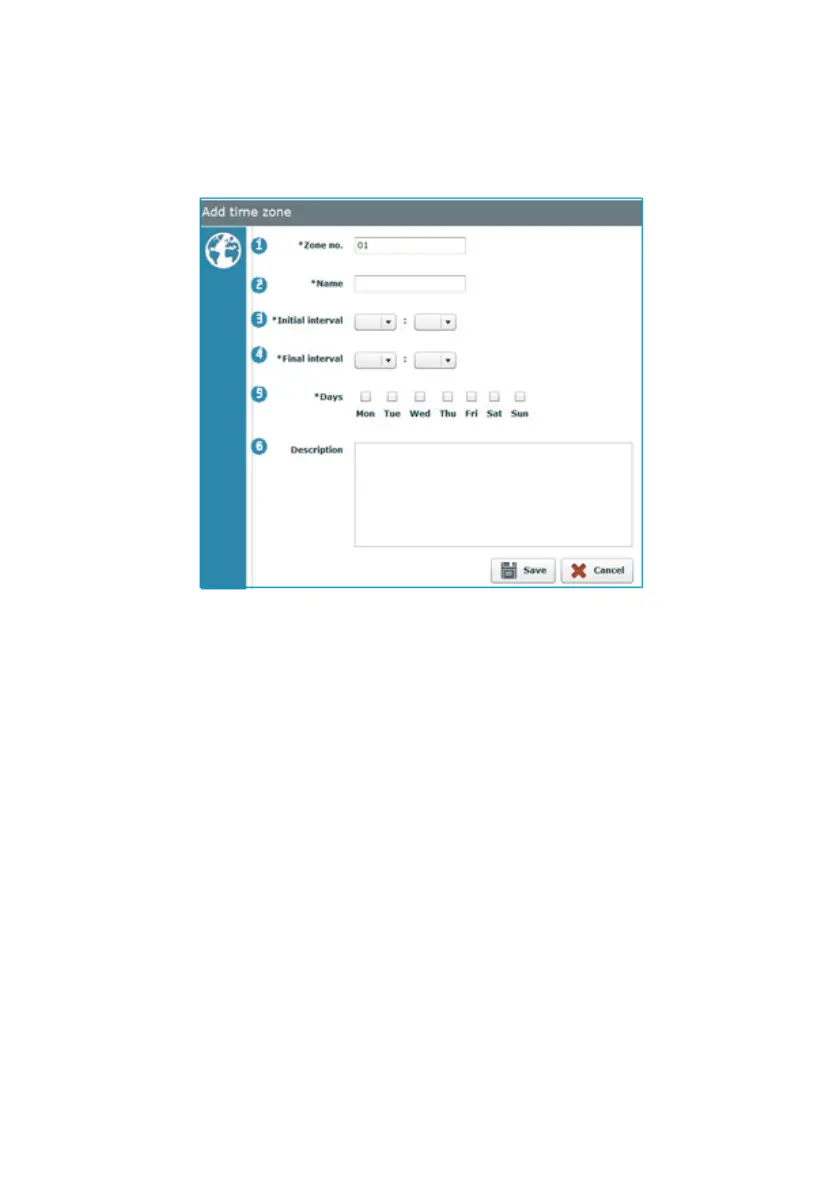
4.10.1 Add Time Zone
Fill in the following fields to add a new Time Zone.
NOTE: A total of 5 different Time Zones can be added.
NOTE: All of the fields marked with an * must be filled in.
1. Zone no.: Alphanumerical field that the application fills in automatically.
2. Name: Name of the Time Zone.
NOTE: A name should be given that helps to clearly identify the Zone (e.g.
“Morning Group”, “Afternoon Group”).
3. Initial interval: Time from when operations are possible.
4. Final interval: Time until when operations are possible.
NOTE: The time format of "Initial Interval" and "Final interval" is 24h.
5. Days: Establishes the days of the week when the Time Zone will be applied.
6. Description: A more detailed description of the Time zone can optionally be
added.



 To Next Page