4_OTS MANAGEMENT SOFTWARE OJMAR 93
4.17 ESTABLISH COMMUNICATIONS WITH THE
PROGRAMMER
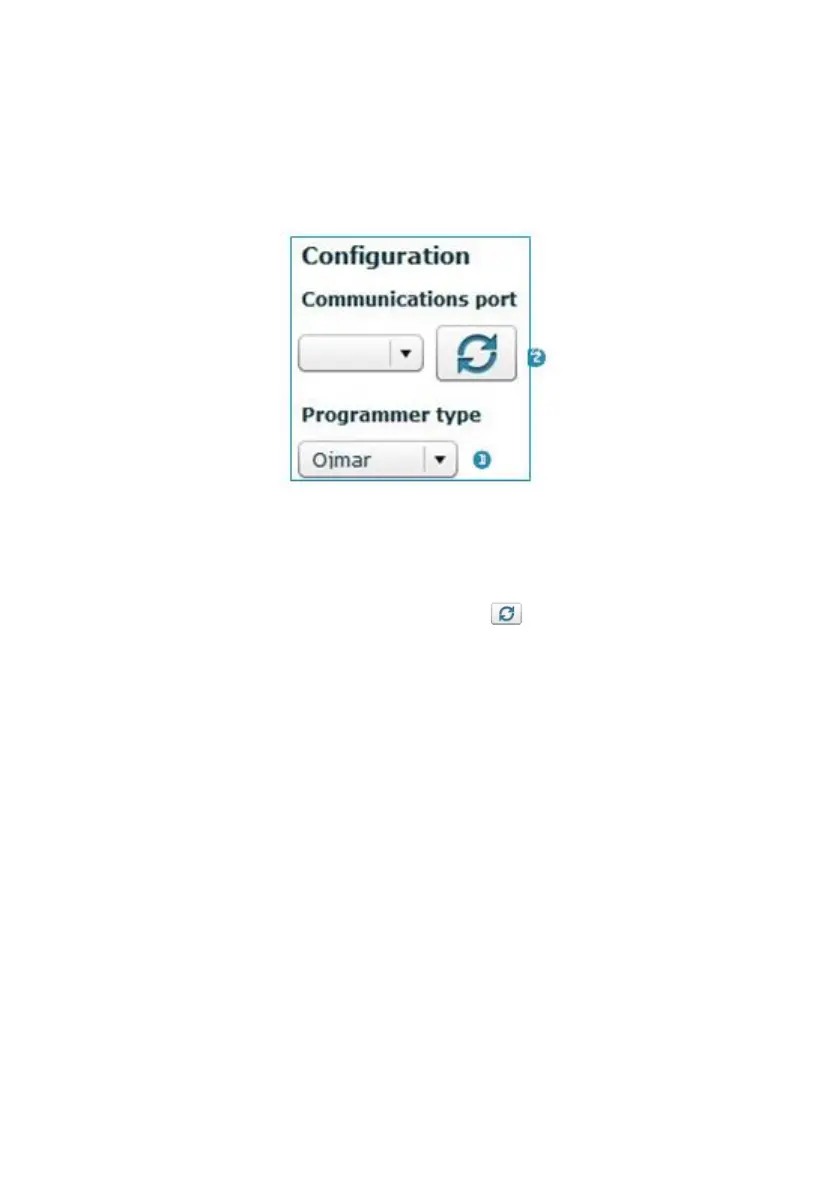
Communications must be established with the programmer before you can use the
keys.
To do so:
1. Select programmer type: Select between the Ojmar NFC or CNReader
programmer.
2. COM port number: Click on the following icon for the communications port
(COM) to be automatically detected.
NOTE: The port resulting from the automatic search (COM1, COM2, etc.) may be
used to configure the "Programmer Type" (See Section 4.15)



 To Next Page