OJMAR 92
Access this screen via the “Communications / PC-Programmer" menu or by clicking
on the following button on the main screen:
NOTE: This button is only displayed if the preset programmer type is Ojmar NFC
(See Section 4.15).
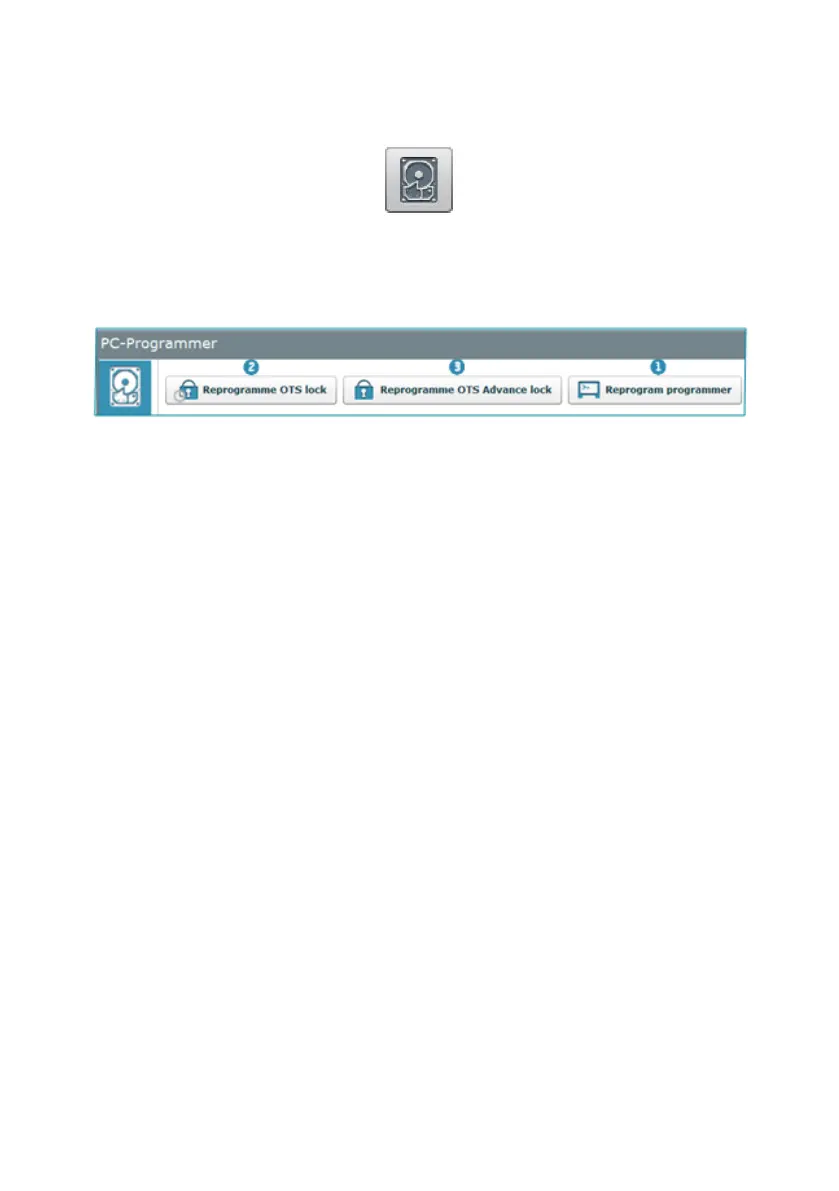
The main programmer type screen displays the following information:
1. Reprogram programmer: Proceed as follows to update the Ojmar NFC
programmer firmware:
1. Switch on the programmer and connect it to the PC.
2. Select the file (with extension “.hex” or ".bin") supplied by Ojmar and click
on "OK".
2. and 3 Reprogram OTS clock and OTS Advance lock: Proceed as follows to
update the firmware for either of these two locks:
1. Switch on the programmer and connect it to the PC.
2. Select the file (with extension “.hex” or ".bin") supplied by Ojmar and click
on "OK".
3. Ask the Ojmar technical service for guidance on the updating process (See
Section 0.4).



 To Next Page