OJMAR 90
Once the events have been stored on the key, see Section 4.8 to read them on the
screen.
4.14.2 Master subgroups Key
The Master subgroup key can operate in two different ways depending on the status
of the lock:
Lock closed: If the lock is closed, it can be opened without deleting any
information saved. It can only open it if the subgroup assigned to the lock
matches that of the key.
Lock open: If the lock is open then this key can close it, provided the subgroup
assigned to the key matches.
NOTE: All of the free locks required can be used.
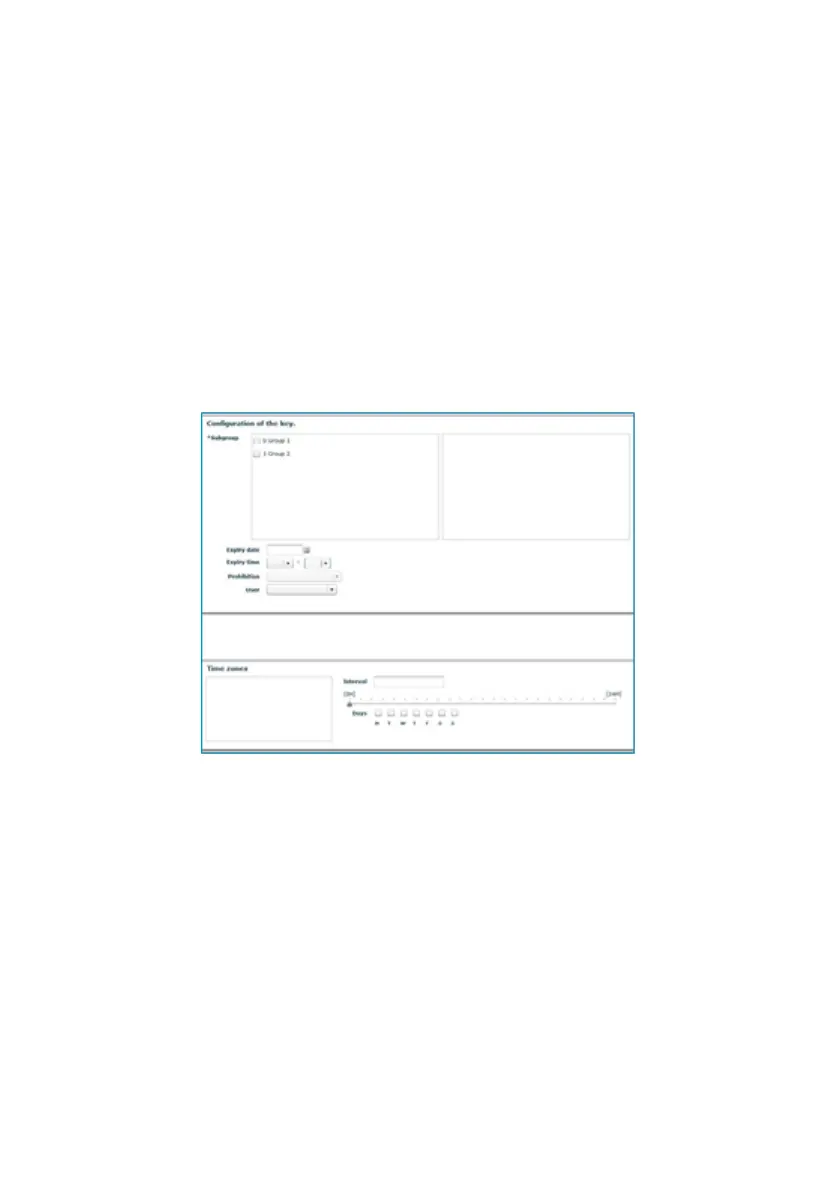
To create a key of this type, a subgroup must be selected. All other fields are
optional.



 To Next Page