OJMAR 58
4.2 SOFTWARE INSTALLATION
The installation of the SW is detailed in the manual “Ojmar database environment
set up” that is inside the folder “Set-up Manual” of the installation folder.
4.3 LICENCE ACTIVATION
The licence screen will be displayed on accessing the application for the first time.
The licence must be activated in order to be able to use the Software. To do so,
follow the steps below:
1. Click on the following icon:
2. Locate the file "License_XXXX" in the “License” folder of the CD and click on OK.
4.4 ACCESSING THE APPLICATION, CONFIGURATION,
START-UP AND GENERAL OPTIONS
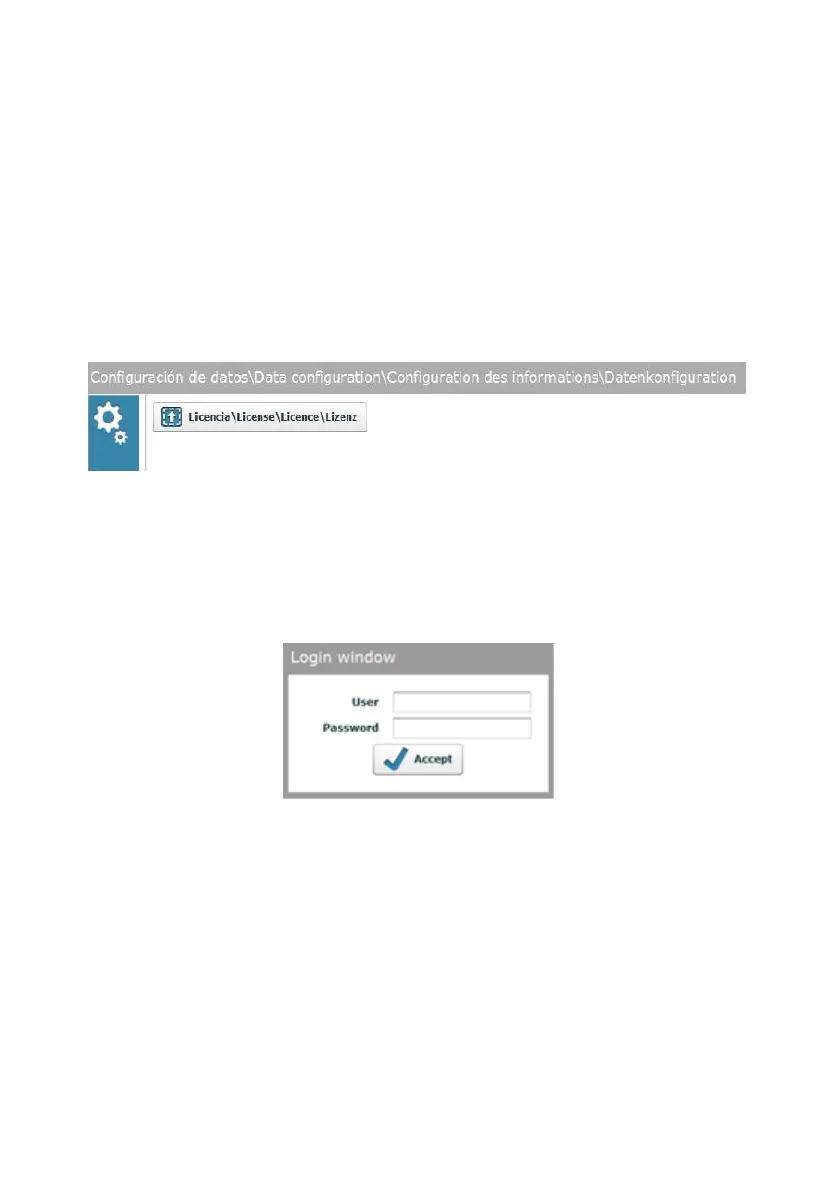
A user name and password are requested on accessing the application.
The “Licence” folder of the installation CD contains a file called “default user” that
includes an operator name and password. This operator is the Administrator, and
therefore has permission to perform any action in the program (See Section 4.7 for
further details on Operators and permissions).



 To Next Page