2_PORTABLE PROGRAMMER OJMAR 43
Among all of the options displayed, there is one called "System type". This will
indicate “32-bit operating system" or "64-bit operating system".
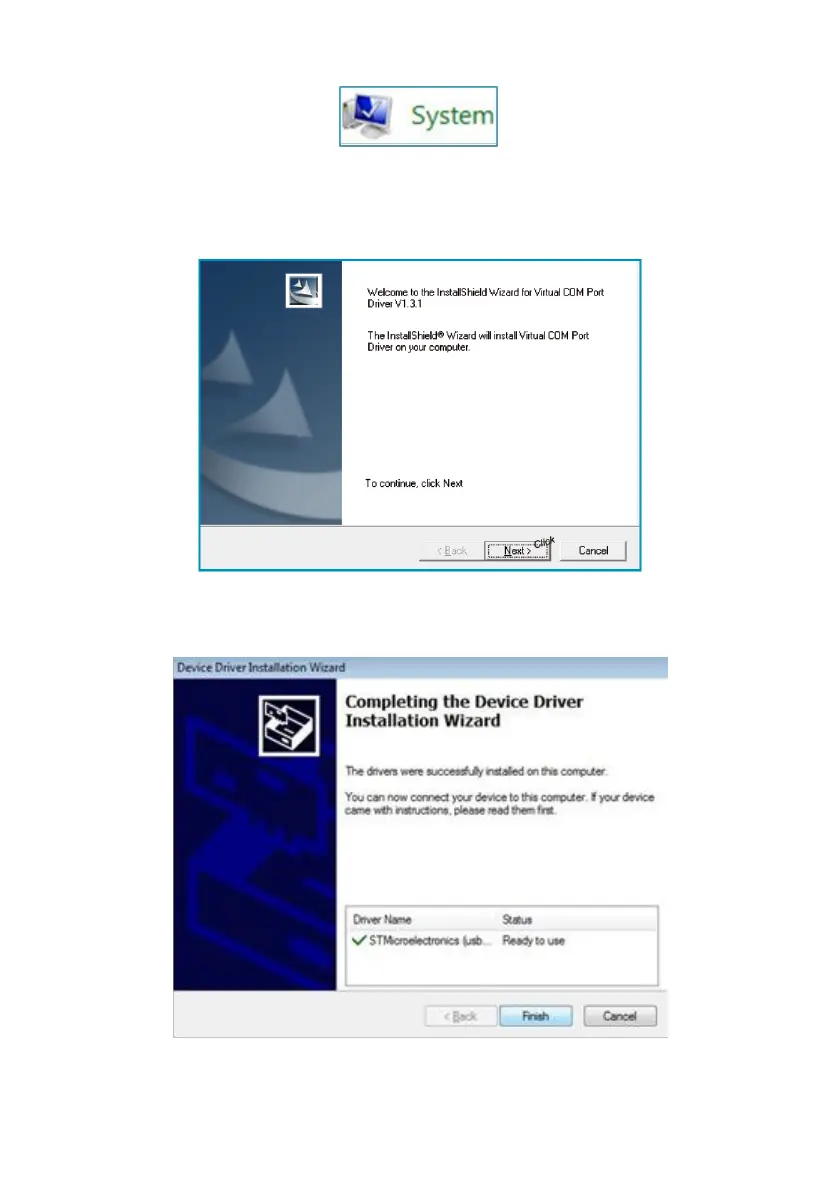
3. The installation program will then begin. Click on “Next”.
4. Once installation is complete, click on “Finish”.
5. The following screen will be displayed if the installation is correct.
6. Connect the programmer to the USB port on your PC.



 To Next Page