50
Figure 62. Download Data.
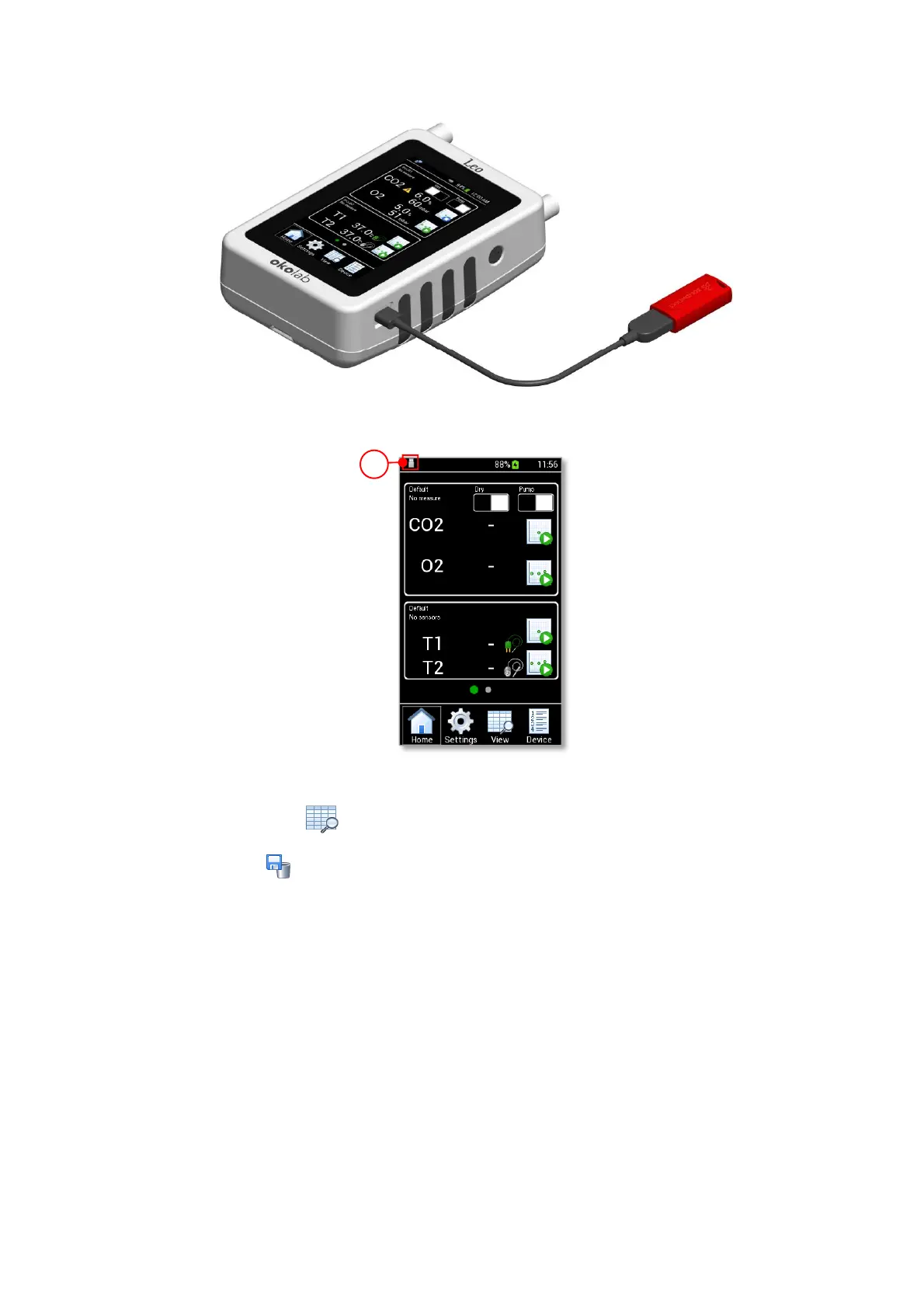
Figure 63. USB Icon displayed when a USB key is connected to LEO.
2. Press the View icon to open the View Data page (see Figure 64 a).
3. Press the icon to access to the Download/Delete Data page (see Figure 64 b).
4. Insert the start-time and the end-time corresponding to the data interval to download (1 and 2 in
Figure 64 c).
5. Enable the Download check box to download the selected data (3 in Figure 64 c). Then press OK to
download data to the USB key (4 in Figure 64 c).



 To Next Page