78
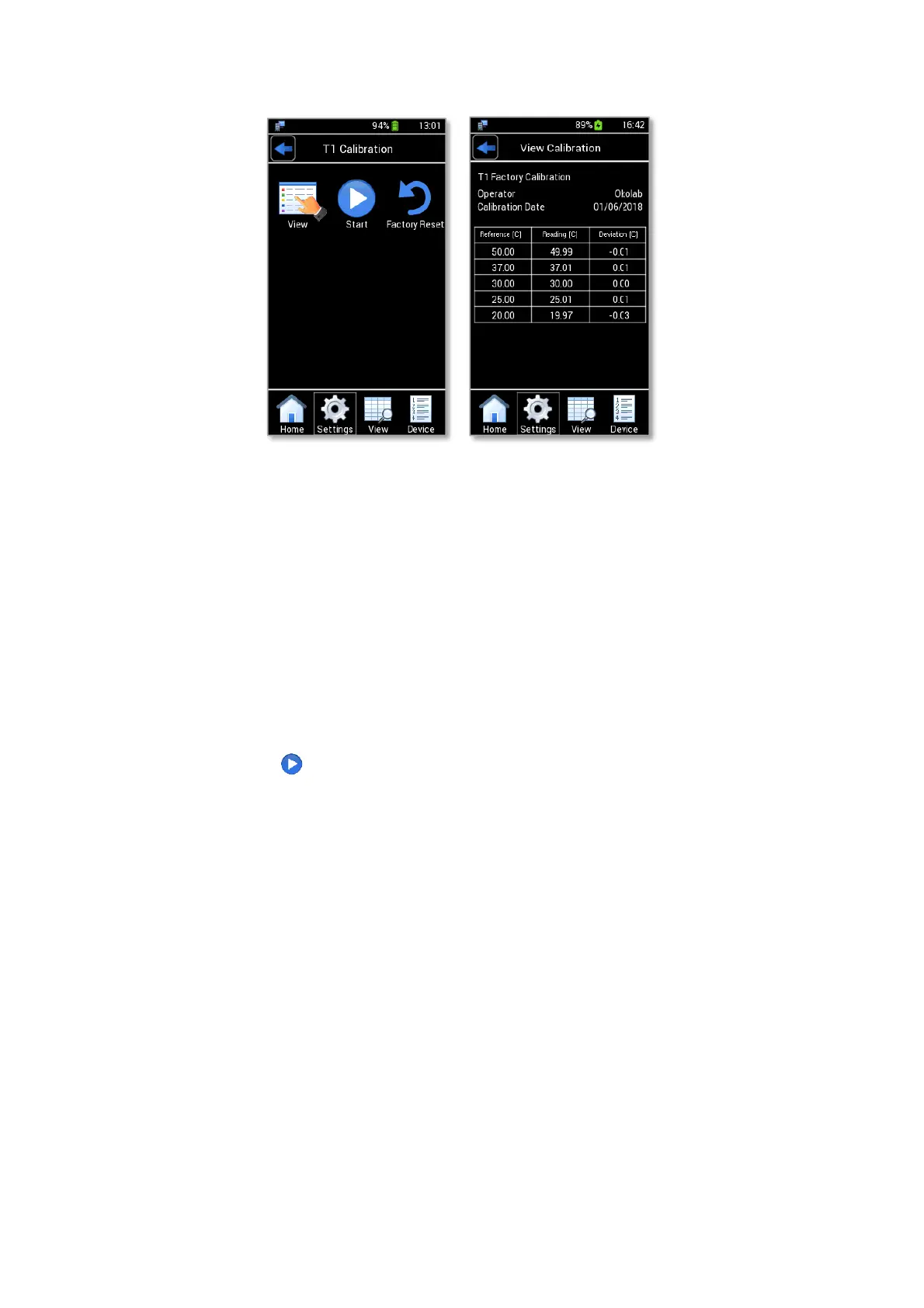
Figure 107. T1 Calibration: view calibration (a – b)
14.2 Start Multi-Point Calibration
To perform a Temperature Calibration, you need a certified thermometer as reference and a body of water
at uniform temperature (possibly a water bath) then follow the instructions below:
1. Connect the temperature module (T1-MODULE or T2-MODULE) that you want to calibrate to LEO.
2. Immerse the certified thermometer and the tip of T1-MODULE (or T2-MODULE) in water bath.
3. Set the water bath to the calibration temperature and wait for the temperature stability.
4. Press Start icon (see Figure 108 a).
5. Insert the temperature read by the temperature reference in Certified Temperature, as shown in
Figure 108 b.
6. Press Set (2 in Figure 108 b) to save the calibration point.
Tip ► You can define up to five temperature points, so you may set the water at any 5 different temperatures
within the range 15-55°C.
7. Press End if no additional calibration point is required, or iterate the procedure by following points 4,
5, 6 and 7 above to introduce up to five temperature calibration points (see Figure 108 c).



 To Next Page