6-27
Sending Faxes from PC > Basic Transmission
Transmission Control
Perform the following procedure when you want to use your computer to verify the status of a
fax transmission currently being processed, or to actually terminate that transmission.
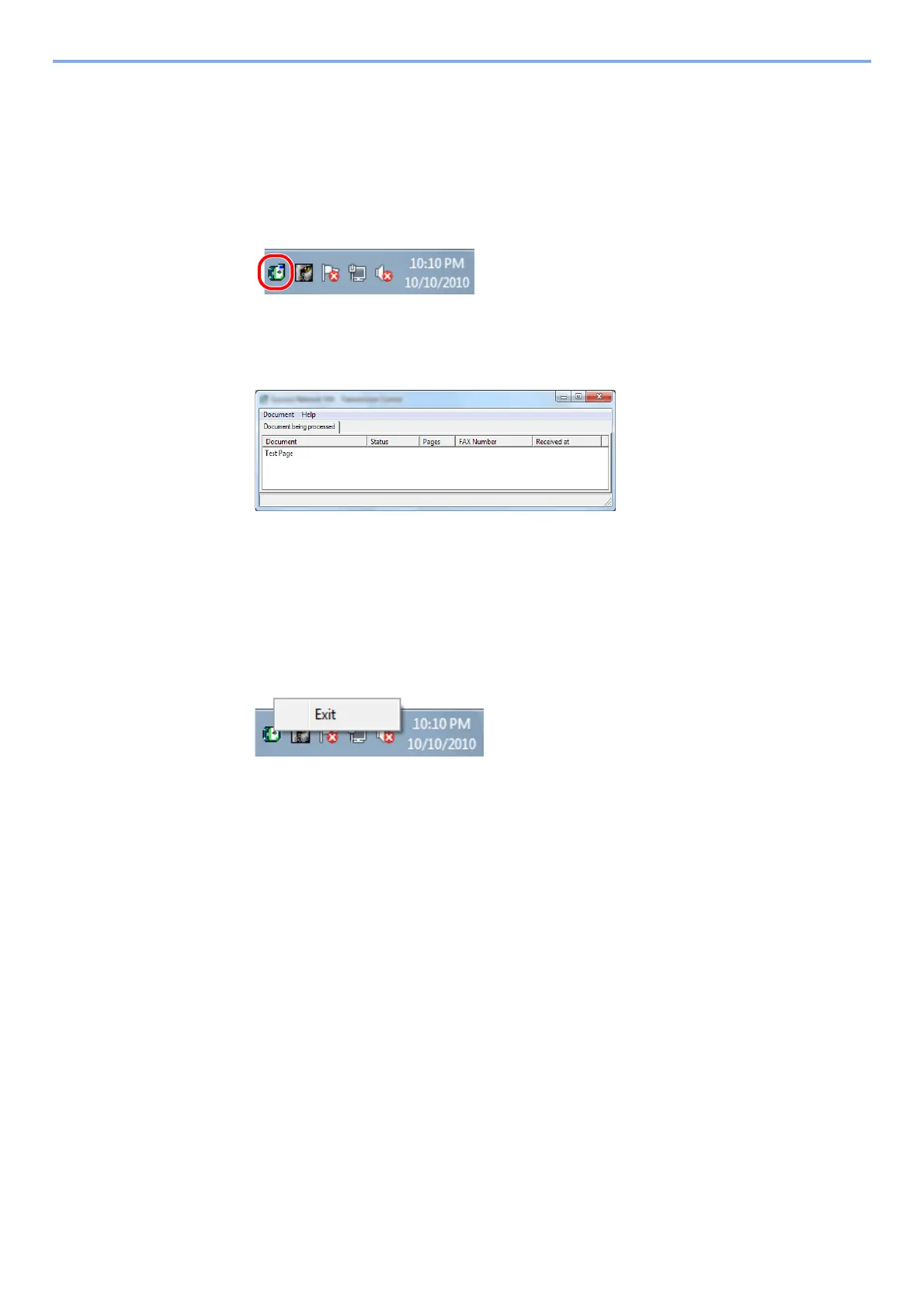
Once a fax transmission starts being processed, a Transmission Control icon will be displayed
in the Windows Task Bar.
1
Double-click on that icon to access the Transmission Control window
which indicates the status of all transmissions being processed.
To terminate any transmission, select that transmission and then select [Cancel] from the
Document menu.
Ending Transmission Control
Right click on the Transmission Control icon and select [Exit].



 To Next Page