3-15
Sending Faxes > Methods For Entering the Destination
Choosing by One Touch Key
Select the destination using the One Touch Keys.
1
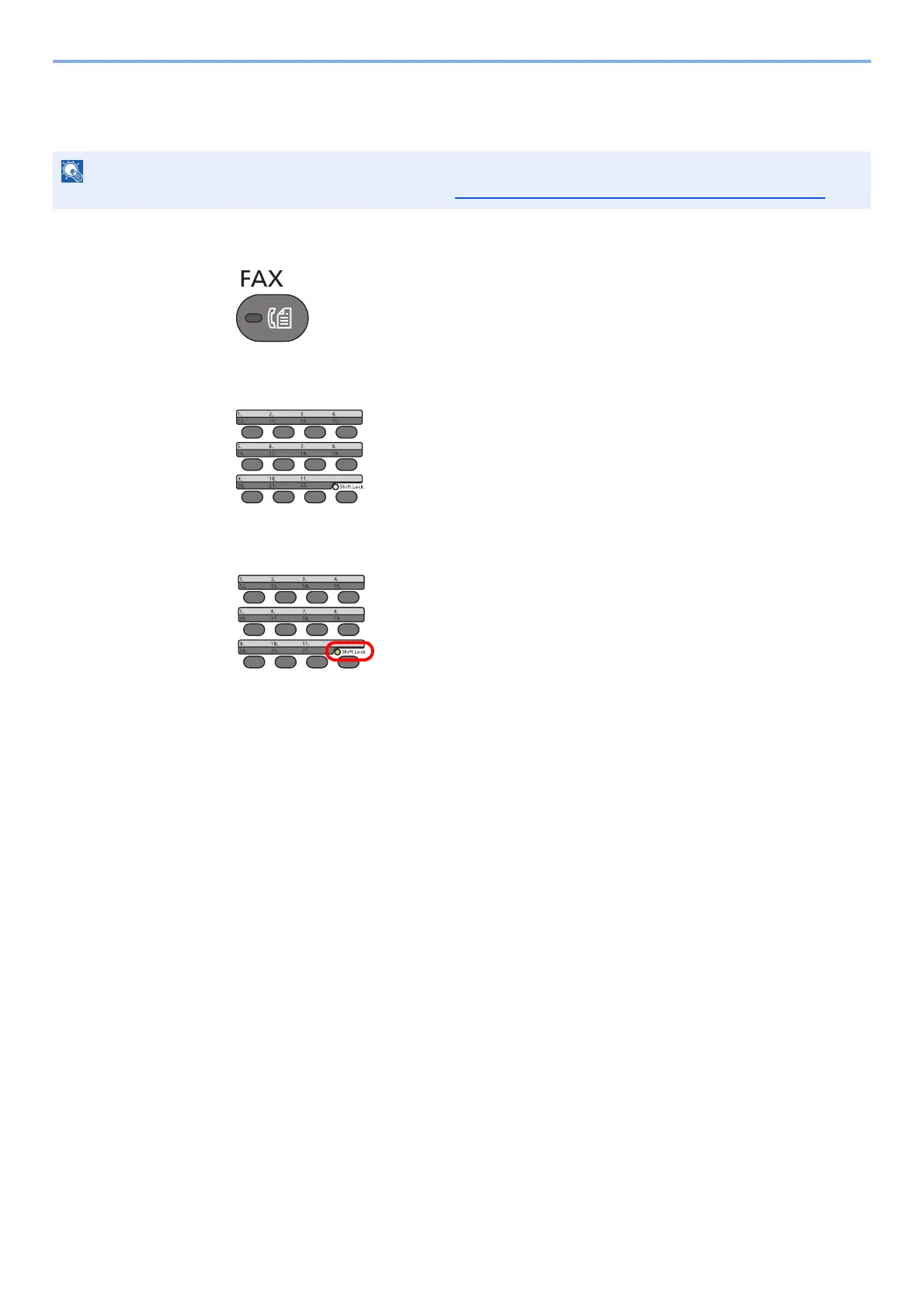
Press the [FAX] key.
2
Press the One touch key where the destination is registered.
When selecting One Touch Key numbers 12 to 22, the One touch Key needs to be pressed
after switching on the [Shift Lock] indicator by pressing the [Shift Lock] key.
For more information on adding One Touch keys, refer to Adding a Destination on One Touch Key on page 2-24.



 To Next Page