3-24
Sending Faxes > FAX TX Report
Cancelling Direct Transmission
During direct transmission, to cancel communication during transmission, press the [Stop] key. The originals that have
been scanned are ejected, and the screen returns to the fax default screen. When originals remain in the document
processor, take them out.
FAX TX Report
You can check whether FAX was transmitted properly by printing the report after transmission.
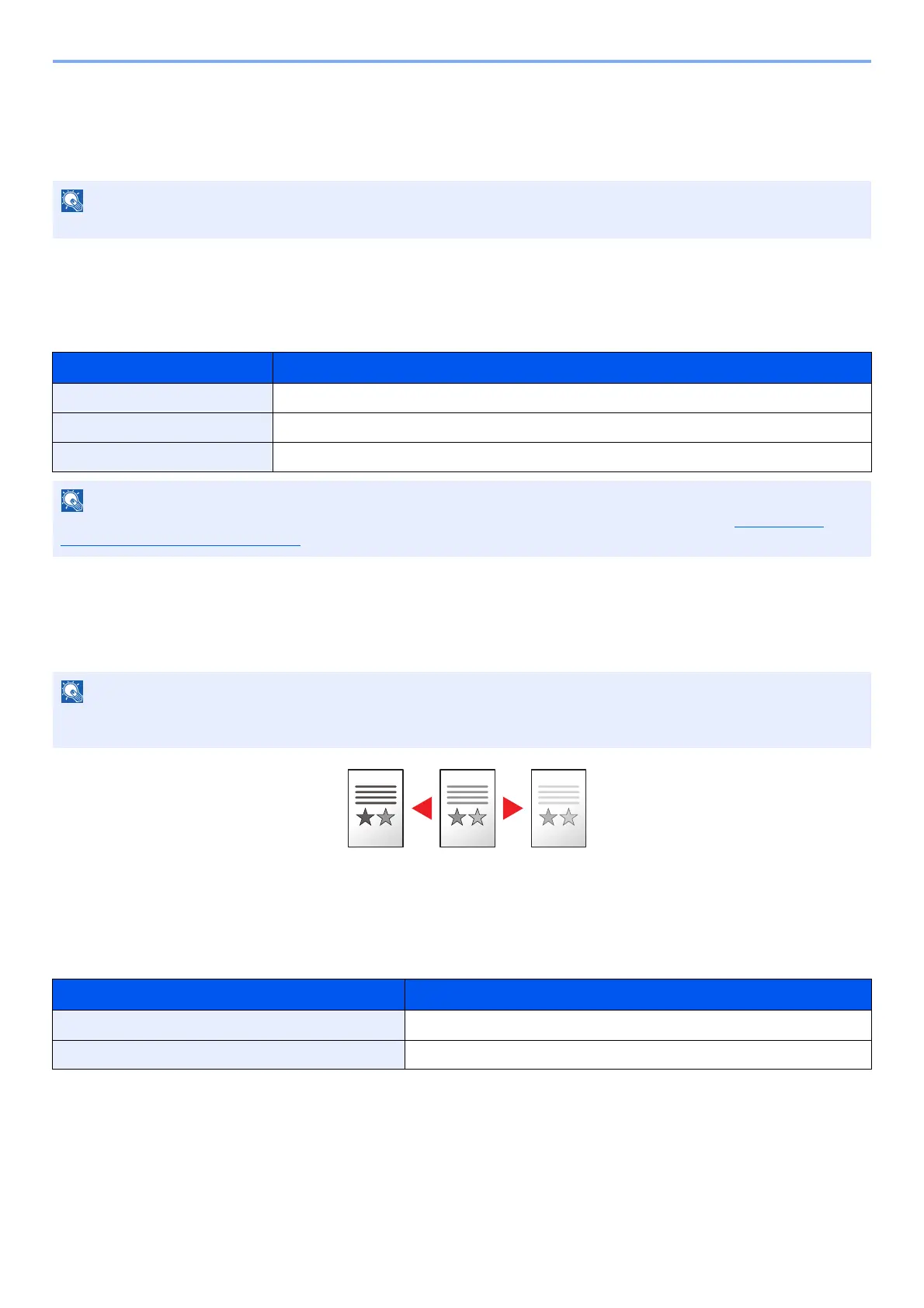
Density
Adjust density. Press the [▲] or [▼] key to select [Darker +4] to [Lighter -4].
Duplex
Set this to read both sides of the original.
In some cases, transmission may take place even if the [Stop] key.
Item Description
Off Does not print reports.
On Prints reports.
Error Only Prints reports only if an error occurs.
This setting is displayed if FAX TX Result Reports is set to [Specify Each Job]. For details, refer to Send Result
Reports (Send Result) on page 7-5.
When you want to increase the density of the original that has thin density, density needs to be adjusted to Darker.
When you want to reduce the density of the original that has thick density, density needs to be adjusted to Lighter.
Item Description
1-sided Set when using a 1-sided sheet original.
2-sided Set when using a 2-sided sheet original.



 To Next Page