5-15
Using Convenient Fax Functions > Sub Address Box Function
7 Press the [OK] key.
2
Changing/Deleting
Changing
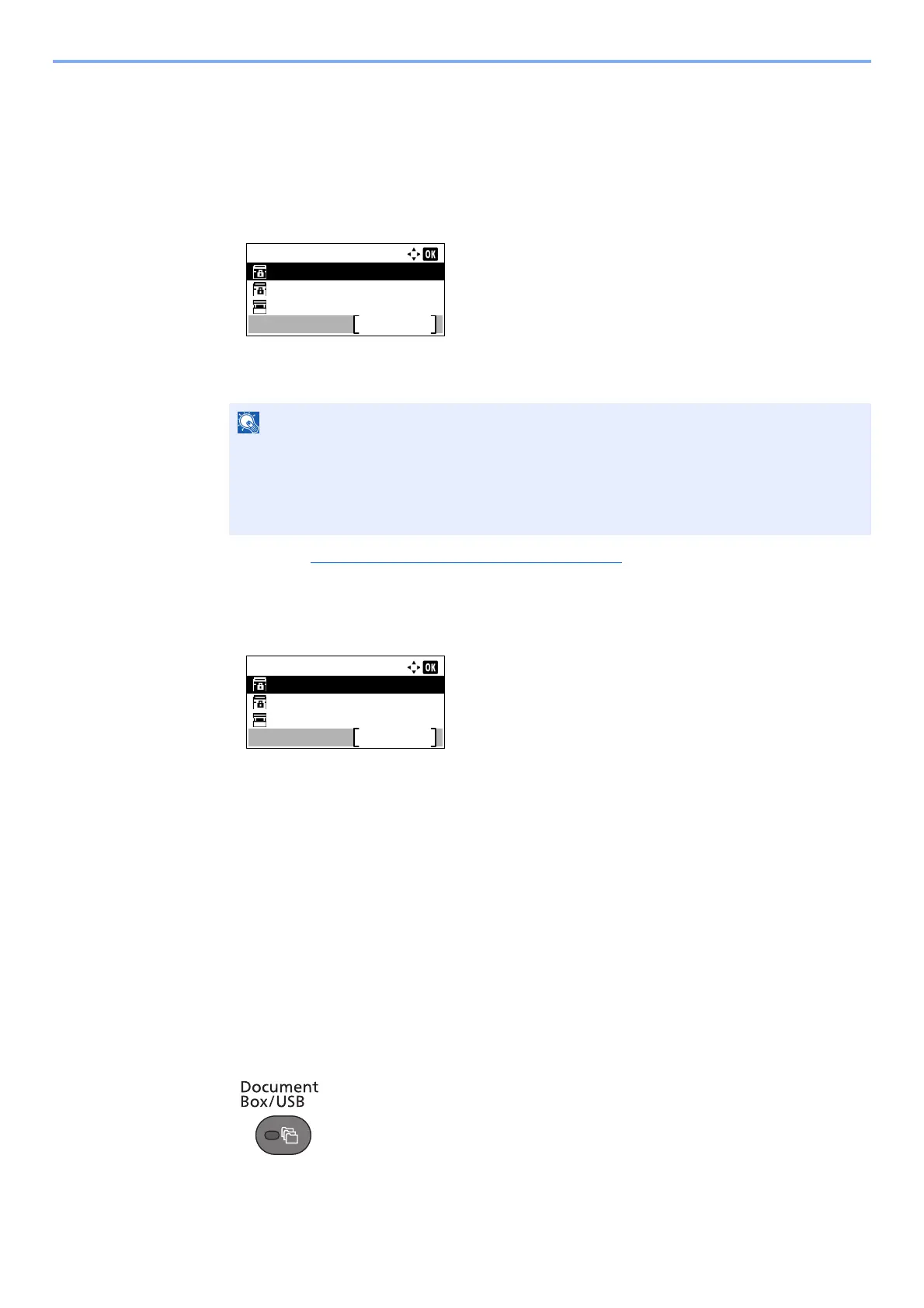
1 Press the [▲] or [▼] key to select the box you want edit.
2 Press the [OK] key.
3 Refer to Registering a Sub Address Box
on page 5-13 to change the box information.
Deleting
1 Press the [▲] or [▼] key to select the box you want delete.
2 Press [Menu].
3 Press the [▲] or [▼] key to select [Delete].
4 Press the [OK] key.
5 Press [Yes] in confirmation screen.
Printing Originals from a Sub Address Box
To print the originals that have been sent to a Sub Address Box, use the following operation.
1
Display the screen.
1 Press the [Document Box/USB] key.
2 Press the [▲] or [▼] key to select [Sub Address Box].
• When you have logged in as a user, you can only edit the box whose owner is set to that
user.
• When you have logged in as administrator, you can edit all boxes.
• If a sub address box is protected by a password, enter the correct password.
Sub Address Box:
Box 1
Box 2
Box 3
Menu
Sub Address Box:
Box 1
Box 2
Box 3
Menu



 To Next Page