5-13
Using Convenient Fax Functions > Sub Address Box Function
Registering a Sub Address Box
Up to 20 Sub Address Boxes can be registered.
1
Display the screen.
1 Press the [System Menu/Counter] key.
2 Press the [▲] or [▼] key to select [Document Box].
3 Press the [OK] key.
4 Press the [▲] or [▼] key to select [Sub Address Box].
5 Press the [OK] key.
6 Press the [▲] or [▼] key to select [Detail/Edit].
7 Press the [OK] key.
2
Create a sub address box.
1 Press [Menu].
2 Press the [▲] or [▼] key to select [Add Box].
3 Press the [OK] key.
4 Enter the sub address using the numeric keys.
5 Press the [OK] key.
6 Enter the box name using the numeric keys.
Up to 32 characters can be entered.
For details on character entry, refer to Character Entry Method on page 10-2.
7 Press the [OK] key.
If user login administration is enabled, you can only edit destinations in the Address Book by logging in with
administrator privileges.
You can use up to 20 digits including the numbers from 0 to 9, ‘ (space)’, ‘#’ and ‘*’
characters to enter a sub address.
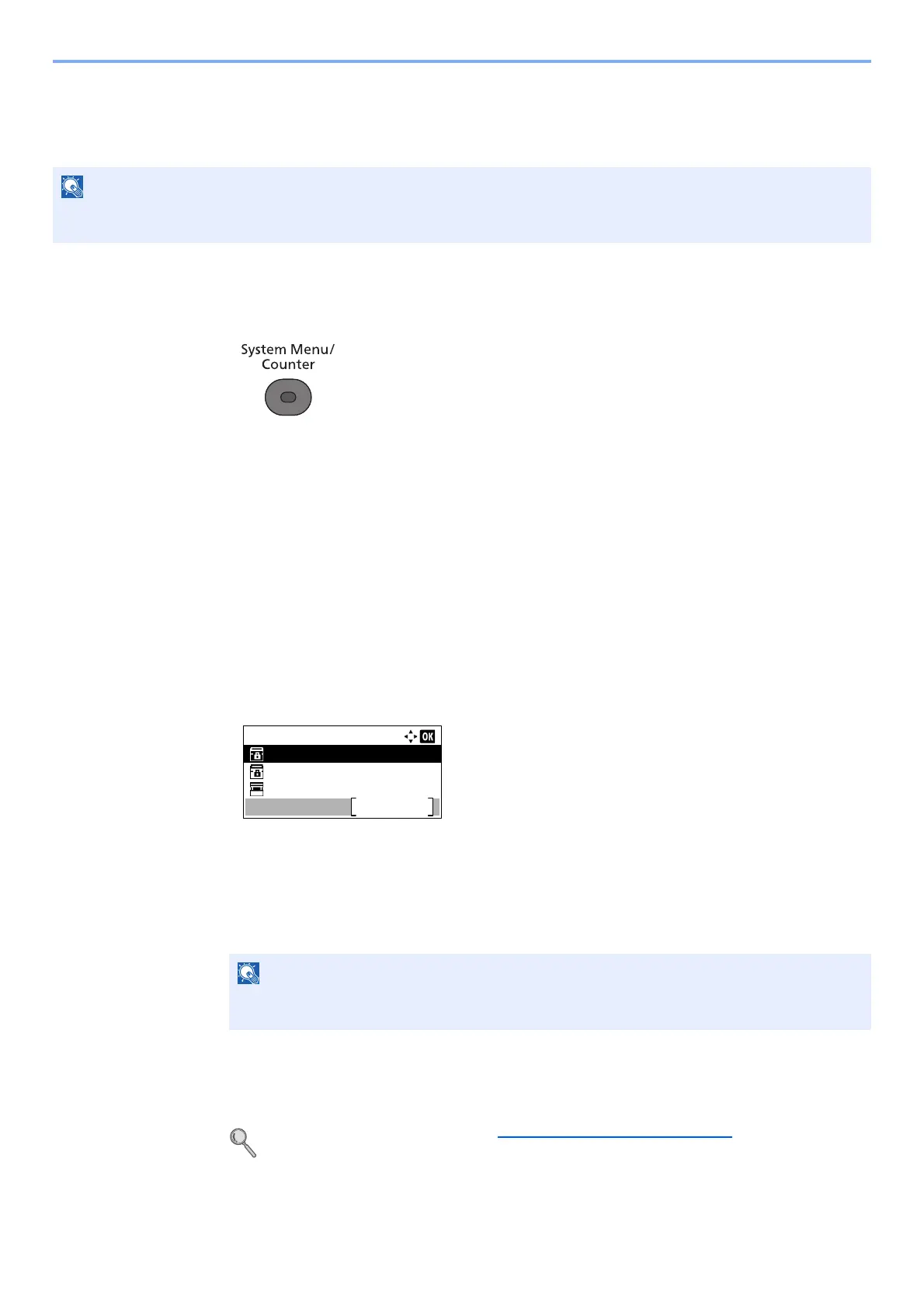
Sub Address Box:
Box 1
Box 2
Box 3
Menu



 To Next Page