3-11
Sending Faxes > Basic transmission procedure
Using redial
Redial is a function allowing you to dial the last entered number once again.
Use this when the receiving system does not respond when you have tried to send a fax. When you want to send the fax
to the same receiving system, press the [Address Recall/Pause] key, and you can call the receiving system you dialed
on the destination list.
1
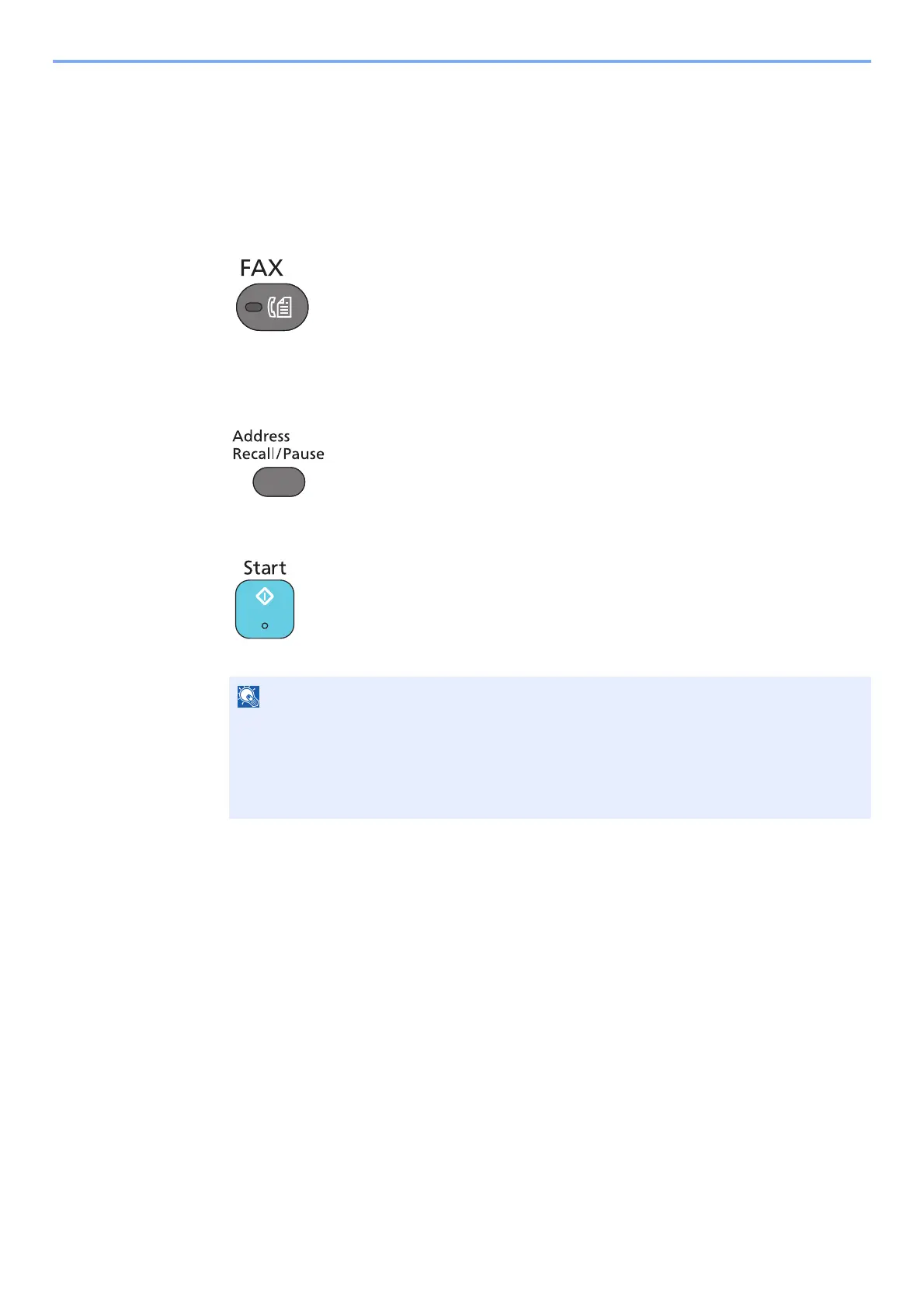
Press the [FAX] key.
2
Press the [Address Recall/Pause] key.
The previously dialed destination is called.
3
Press the [Start] key.
The transmission will start.
Recall information is canceled in the following conditions.
• When you turn the power off
• When you send a next fax (new recall information is registered)
• When you log out



 To Next Page