3-30
Sending Faxes > Program
2
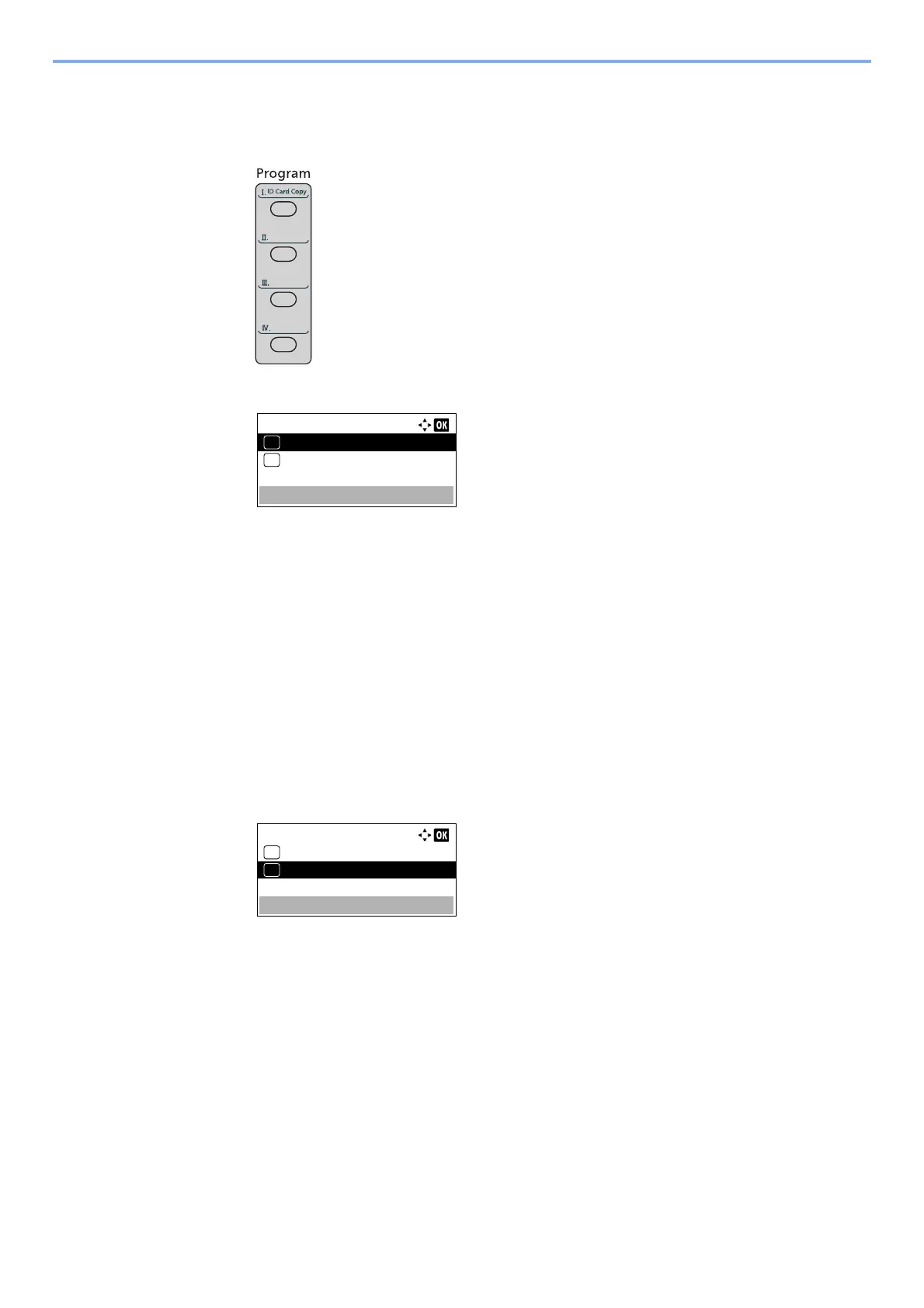
Overwrite the program.
1 Press the one of the [Program I] to [Program IV] keys to change and hold it (2 seconds or
more).
2 Press the [▲] or [▼] key to select [Overwrite], and press the [OK] key.
3 Press [Yes] in the confirmation screen to register the changed program.
Deleting Program
You can delete program.
1
Display the screen.
Press the one of the [Program I] to [Program IV] keys to delete and hold it (2 seconds or
more).
2
Delete the program.
1 Press the [▲] or [▼] key to select [Delete], and press the [OK] key.
2 Press [Yes] on the screen to confirm the deletion.



 To Next Page