9-3
Troubleshooting > Precautions When Turning Power OFF
Precautions When Turning Power OFF
To power off the machine, press the Power switch. You cannot automatically receive a fax when the power switch is
turned off.
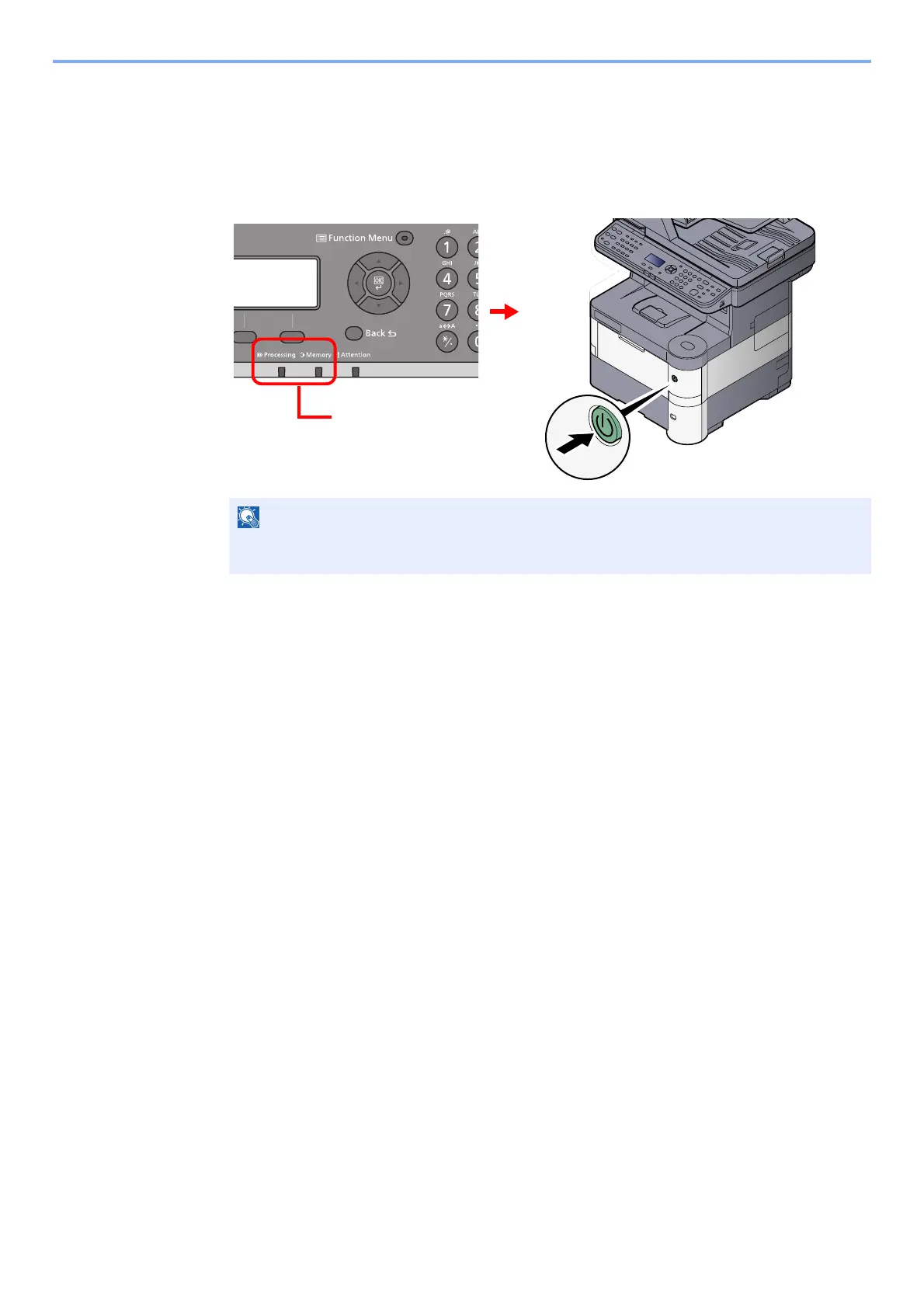
Make sure that the [Processing] indicator and the [Memory] indicator are off before turning off the power switch.
When the [Processing] indicator or [Memory] indicator is lit up, the machine is operating.
Turning off the power switch while the machine is operating may cause it to malfunction.
Check that the indicators
are off.
OFF



 To Next Page