5-19
Using Convenient Fax Functions > Sub Address Box Function
2 Press the [▲] or [▼] key to select [Sub Address Box].
3 Press the [OK] key.
2
Selecting the Originals.
1 Press the [▲] or [▼] key to select the box containing the document you want to delete.
2 Press the [OK] key.
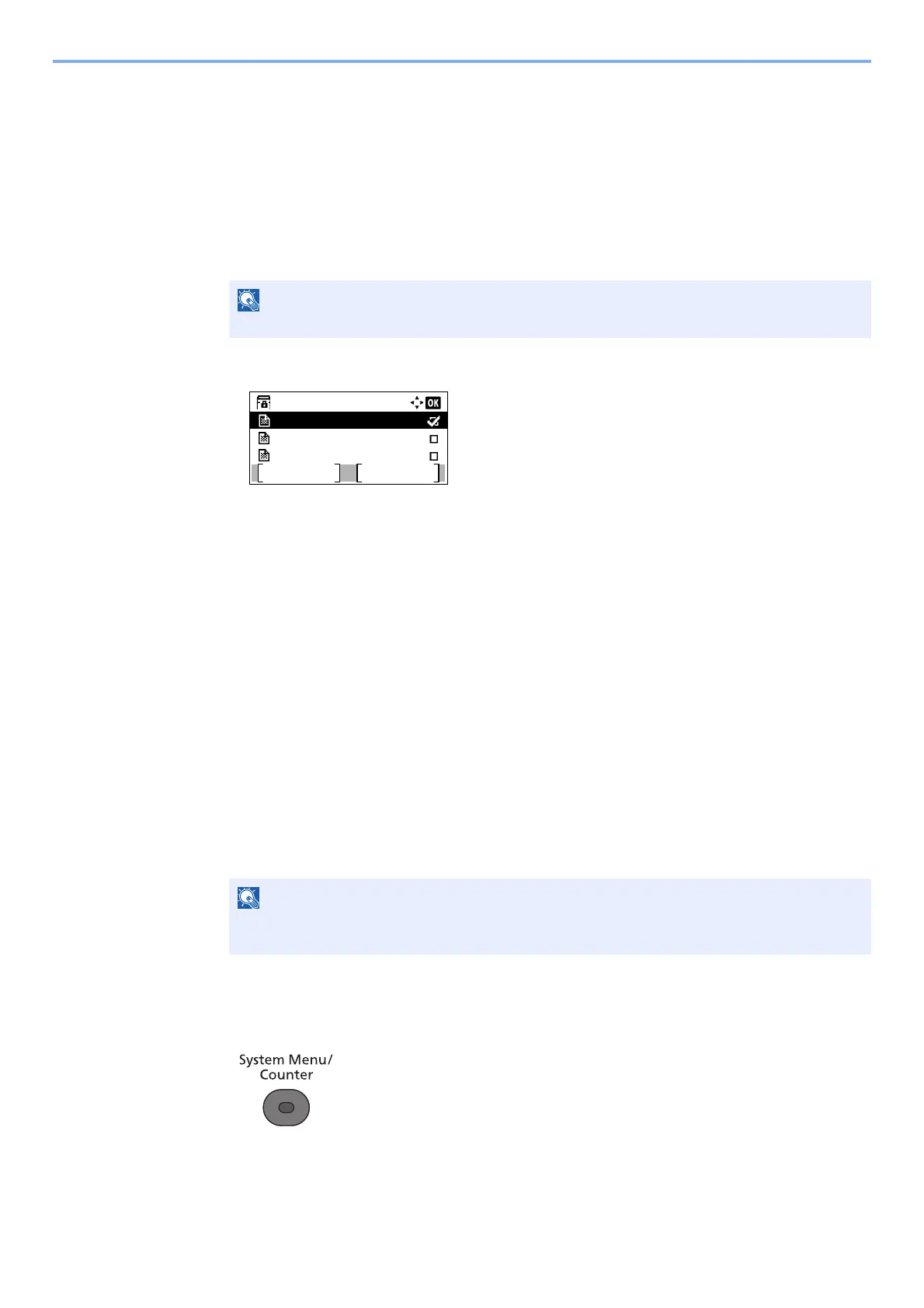
3 Press the [▲] or [▼] key to select the document you want to delete.
4 Press [Select].
A checkmark will be placed on the right of the selected file.
Select the checkmarked file and press [Select] again to cancel the selection.
5 Press the [OK] key.
3
Deleting
1 Press the [▲] or [▼] key to select [Delete].
2 Press the [OK] key.
3 Press [Yes] in confirmation screen.
Printing a Sub Address Box List
You can print the Sub Address Box list in which the list of Box No.’s and Box names of the registered Sub Address
Boxes are described. When there are originals in the Sub Address Boxes, the number of pages is displayed.
1
Display the screen.
1 Press the [System Menu/Counter] key.
2 Press the [▲] or [▼] key to select [Document Box].
3 Press the [OK] key.
If a Sub Address Box is protected by a password, enter the correct password.
The list can be printed when user login has been enabled and the machine is logged in with
administrator privileges.
Box 1:
Document 1
Document 2
Document 3
Menu Select



 To Next Page