3-5
Sending Faxes > Basic transmission procedure
Checking and Editing Destinations
Check and edit a selected destination.
1
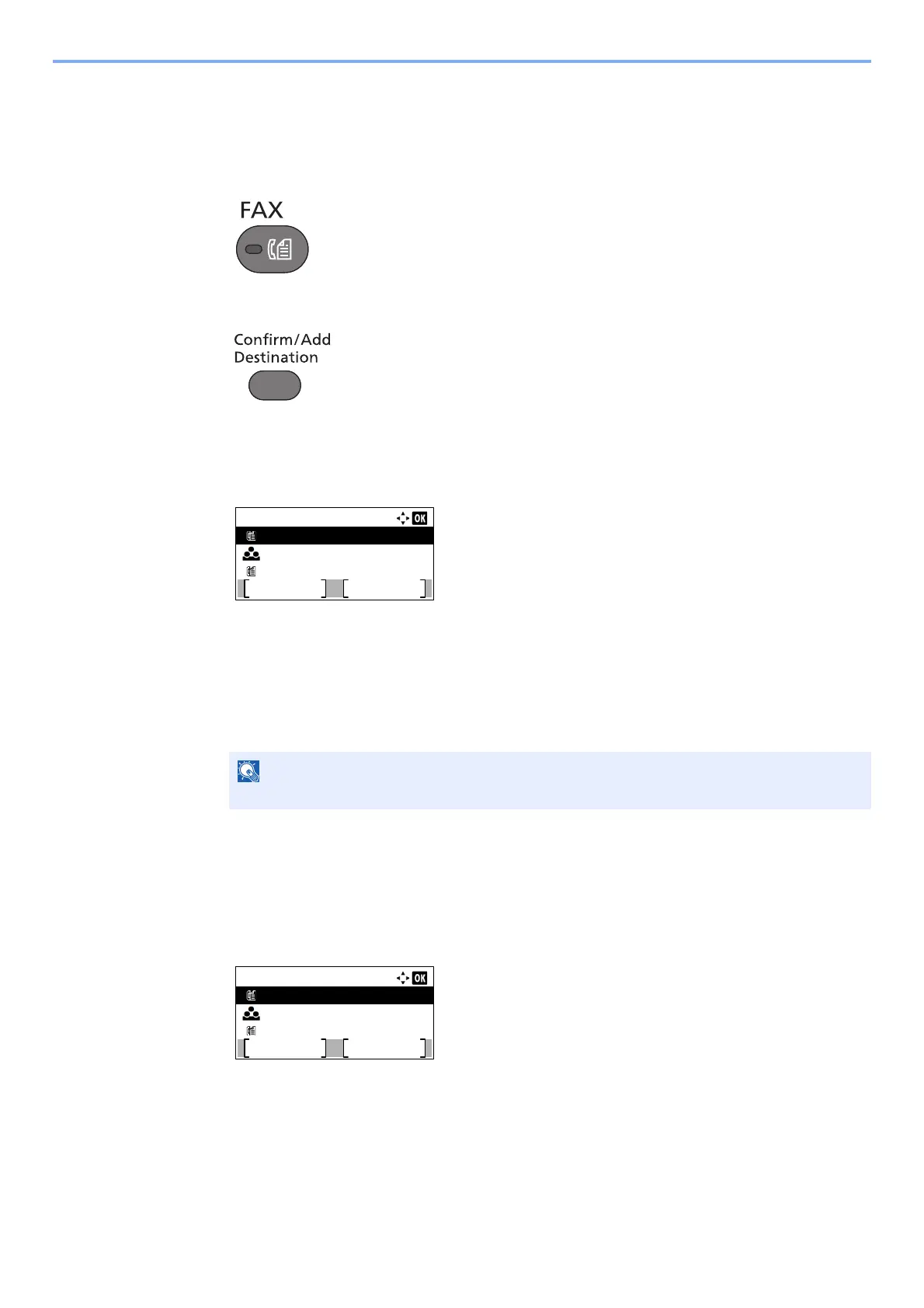
Press the [FAX] key.
2
Press the [Confirm/Add Destination] key.
3
Check the destination.
1 Press the [▲] or [▼] key to select the destination you want to check.
2 Press the [OK] key.
3 Press the [▲] or [▼] key to select [Edit].
4 Press the [OK] key.
Information of the destination is displayed.
5 Press the [OK] key when checking of the destination is complete.
4
Change the FAX number.
1 Press the [▲] or [▼] key to select the destination that you want to change the FAX number
for.
2 Press the [OK] key.
3 Press the [▲] or [▼] key to select [Edit].
4 Press the [OK] key.
5 Reenter the FAX number using the numeric keys.
When checking information of the destination, press [Details].
Dest. Confirm.:
0123456789
Exit
Sales Group
9876543210
Add
Dest. Confirm.:
0123456789
Exit
Sales Group
9876543210
Add



 To Next Page