3-6
Sending Faxes > Basic transmission procedure
6 Press the [OK] key.
5
Add the destination (when entering the FAX number using the numeric
keys).
1 Press [Add].
2 Enter the fax number of the receiving system using the numeric keys.
3 Press the [OK] key.
6
Delete the destination.
1 Press the [▲] or [▼] key to select the destination you want to delete.
2 Press the [OK] key.
3 Press the [▲] or [▼] key to select [Delete].
4 Press the [OK] key.
5 Press [Yes] in confirmation screen.
[Completed.] is displayed and the destination is removed.
7
Exit the operation.
1 Press [Exit].
When editing information of the destination, press [Details].
For the procedure for entering the FAX number using the numeric keys, refer to Entering the
destination fax number with the numeric keys on page 3-12.
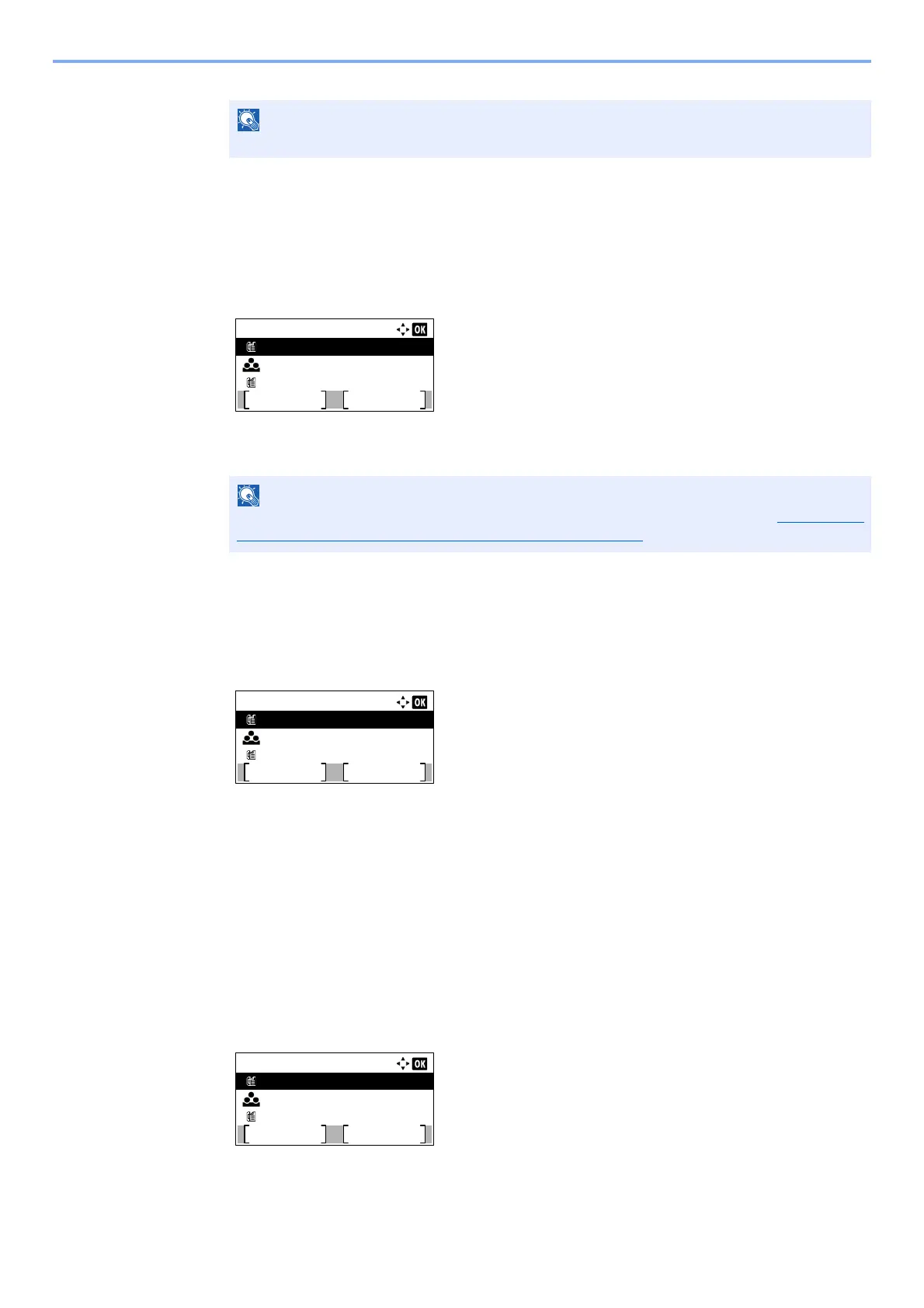
Dest. Confirm.:
0123456789
Exit
Sales Group
9876543210
Add
Dest. Confirm.:
0123456789
Exit
Sales Group
9876543210
Add
Dest. Confirm.:
0123456789
Exit
Sales Group
9876543210
Add



 To Next Page