3-23
Sending Faxes > FAX Direct Transmission
2
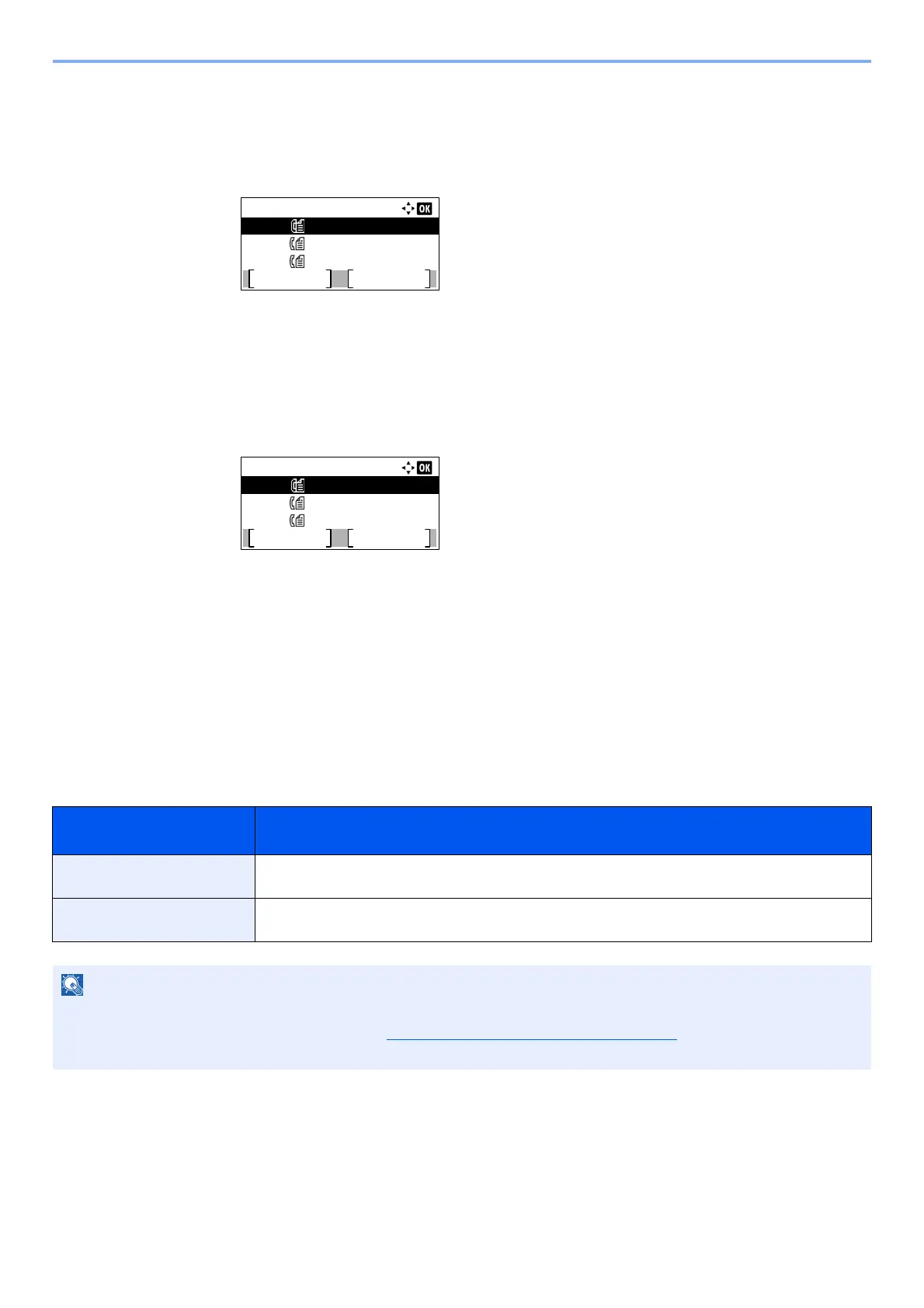
Canceling a job and immediate transmission.
Canceling a job
1 Press the [▲] or [▼] key to select the job to cancel.
2 Press [Cancel].
3 Press [Yes] in confirmation screen. The selected job is deleted.
Immediate transmission
1 Press the [▲] or [▼] key to select the job you want to send by immediate transmission.
2 Press [Menu].
3 Press the [▲] or [▼] key to select [Start Now].
4 Press the [OK] key.
5 Press [Yes] in confirmation screen. The transmission will start.
FAX Direct Transmission
You can directly transmit originals without scanning them into the memory. Scanning of the originals starts after the
connection is made with the receiving system, allowing you to verify that each page of the fax has been properly sent.
Setting for Direct
transmission
Description
On Starts direct transmission.
Dials the receiving system, and after the communication has started, originals are scanned.
Off Starts memory transmission.
After originals are scanned into memory, the communication starts.
In direct transmission, you can designate only one destination for one transmission.
For the procedure for transmitting FAX, refer to Basic transmission procedure
on page 3-2. The destination is dialed
and communication starts before the original is scanned.
Scheduled Job:
Cancel
Menu
0010
0011
0012
0123456789
1234567890
2345678901
Scheduled Job:
Cancel
Menu
0010
0011
0012
0123456789
1234567890
2345678901



 To Next Page